 Photo editing
Nano Banana 2.1Collected
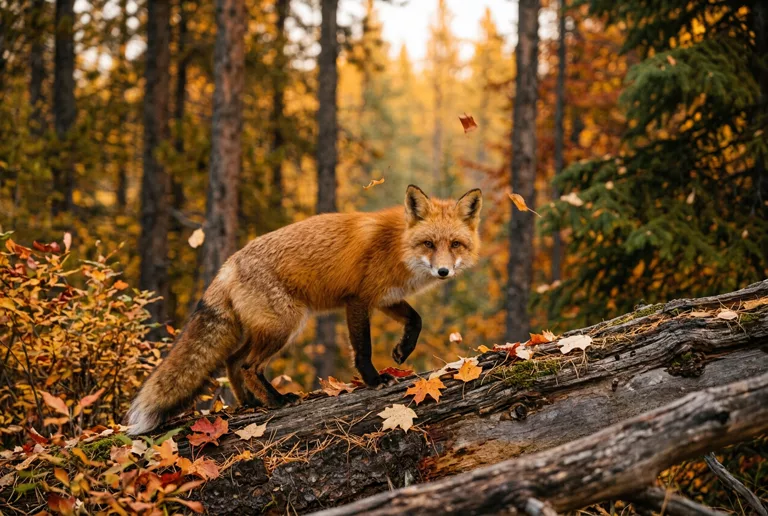
Change a photo’s season
Turn the source winter scene into autumn while asking the model to keep the animal, pose, and camera angle.
1 reference image
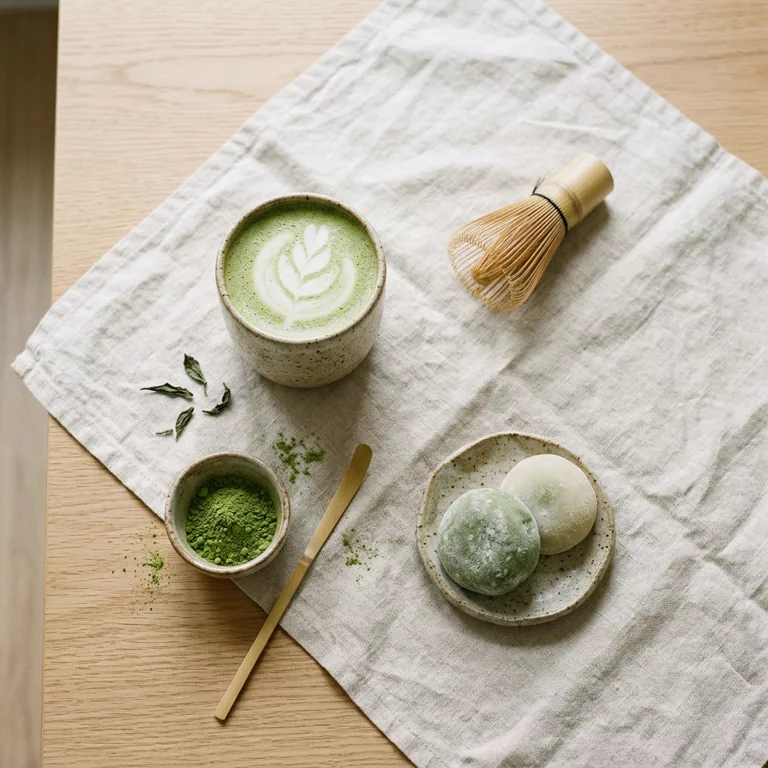
Isolate the source cup, change its viewing angle, and add a clean background, soft shadow, and short label.
A reference-image example for turning a busy flat lay into a simpler product-isolation concept. It is useful when exploring a clean listing-style layout with one object, a white background, and a short label. Because the request also changes the viewing angle, compare the reconstructed product details with your input instead of assuming exact product fidelity.
The original input used for this example. Use your own suitable image when trying the edit.
Turn this flat lay into a clean e-commerce product image: isolate only the ceramic cup of matcha latte, show it at a slight three-quarter angle on a pure white background with a soft natural shadow, keep the leaf latte art and the cup's glaze texture, and add a small bold label "MATCHA LATTE" in the top left corner.
Copy the prompt first, then upload the required reference image and paste the prompt into Gemini to start an image-editing chat. This link opens Gemini; it does not prefill or generate an image.
Original instructions, explained. These are editorial interpretations, not independently tested findings.
isolate only the ceramic cup of matcha latte
Selects one object from the source arrangement and asks to remove the surrounding flat-lay props.
show it at a slight three-quarter angle on a pure white background with a soft natural shadow
Combines a new viewpoint with a simple surface. Changing viewpoint may require the model to invent details not visible in the input.
keep the leaf latte art and the cup's glaze texture
Identifies the two visual features to preserve. Replace them with the defining details of your own product when adapting the example.
add a small bold label "MATCHA LATTE" in the top left corner
Supplies a short caption and a position outside the cup. It is a request for generated lettering rather than editable typesetting.
Upload one clear image. The source reference is provided below; if using your own image, update the prompt’s subject-specific wording.
Open an image-editing session in a tool that offers a Nano Banana model.
Upload the reference image, then paste the prompt. Update subject-specific instructions if you use a different photo.
Choose the source aspect ratio (1:1) if available, generate, and compare the edited details with the input.
Photo editingTurn the source winter scene into autumn while asking the model to keep the animal, pose, and camera angle.
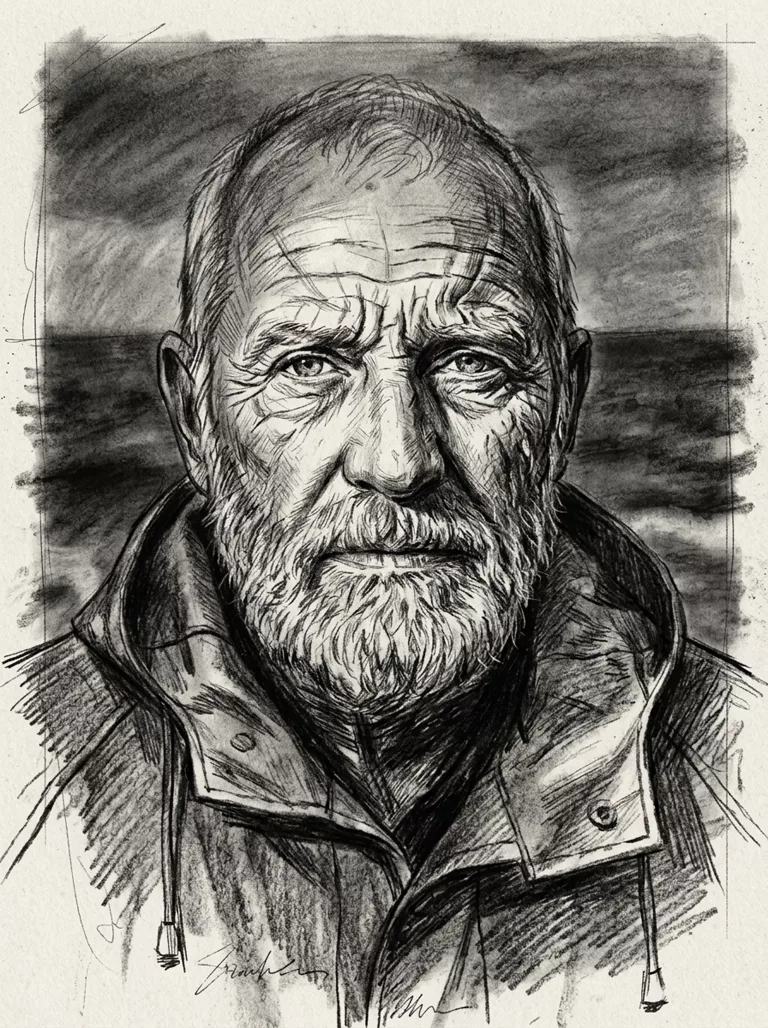 Photo editing
Convert the source portrait into a textured charcoal drawing while retaining its pose and expression.
 Portraits
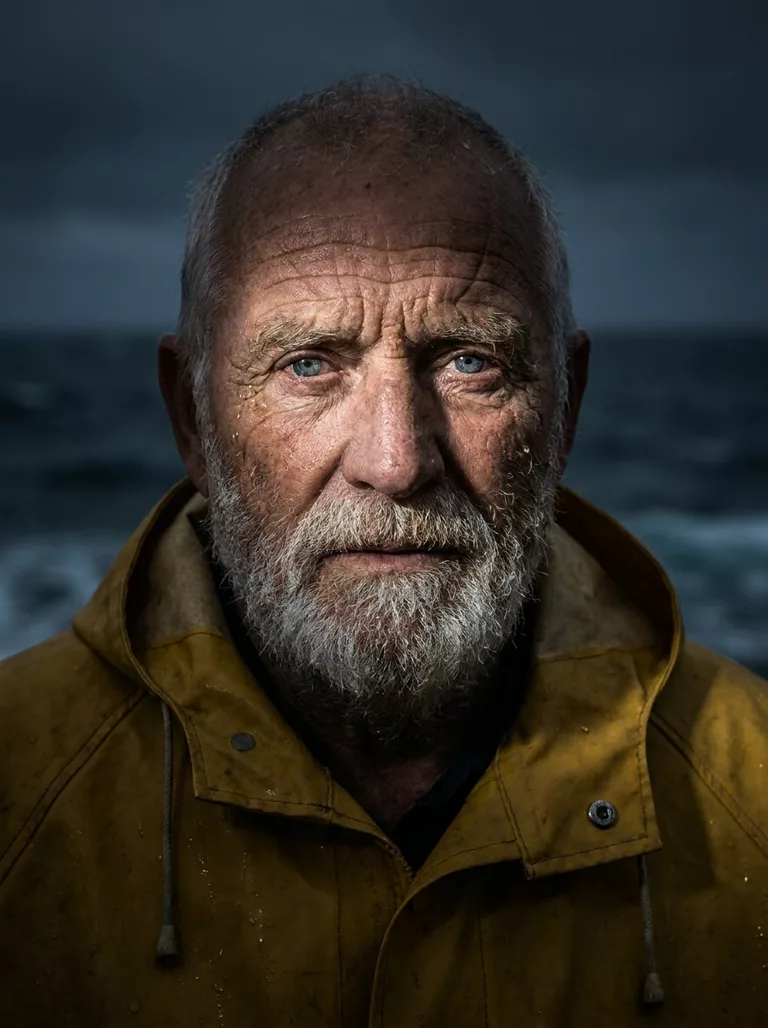
Create a close-up character portrait with weathered skin, a yellow raincoat, and dramatic directional light.