 Photo editing
Nano Banana 2.1Collected
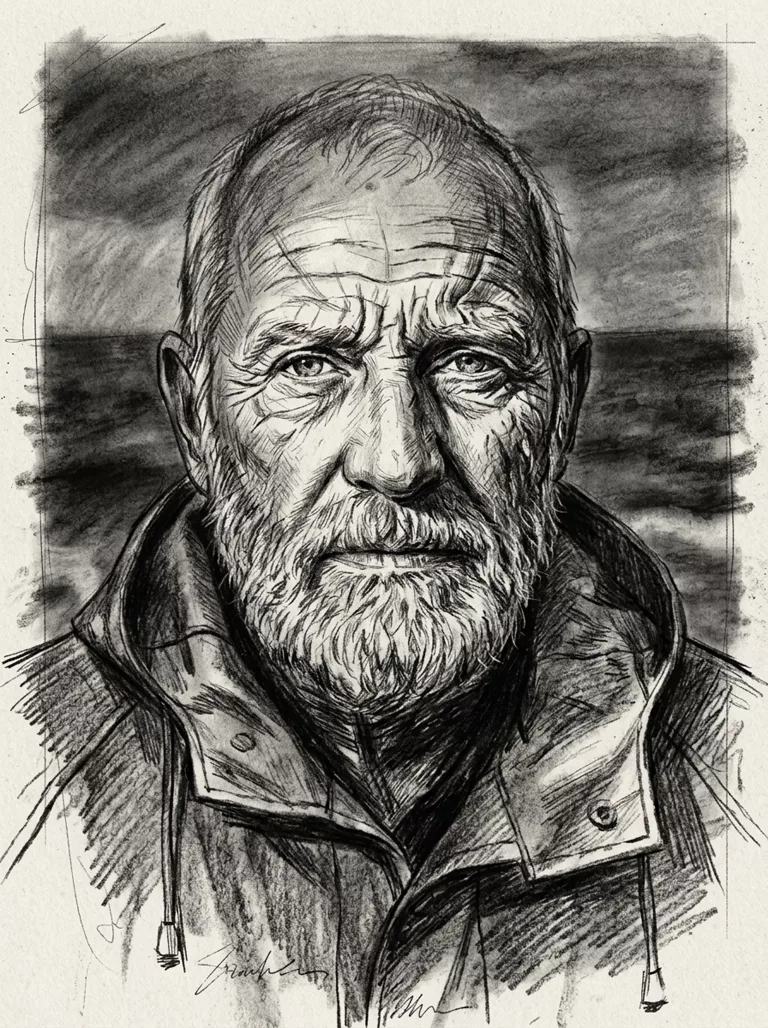
Photo to charcoal sketch
Convert the source portrait into a textured charcoal drawing while retaining its pose and expression.
1 reference image
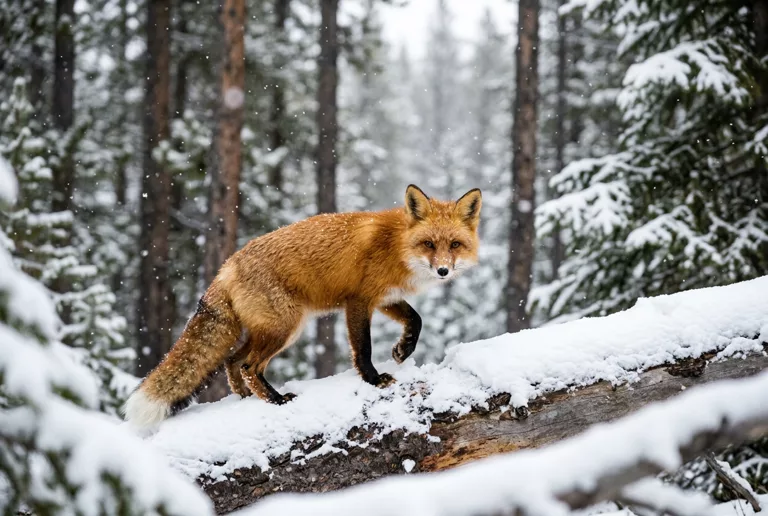
Turn the source winter scene into autumn while asking the model to keep the animal, pose, and camera angle.
A reference-image editing example for exploring how a scene might look in another season while asking to retain its main subject and viewpoint. It is useful for planning an environment edit around an animal or object. Start with one image and rewrite the preservation clause to name the subject and landmarks actually present in your input.
The original input used for this example. Use your own suitable image when trying the edit.
Change the season of this photo from winter to golden autumn: replace the snow with fallen orange and red maple leaves, give the trees warm autumn foliage, and make the light a soft late-afternoon glow. Keep the fox, its pose, the log and the camera angle exactly the same.
Copy the prompt first, then upload the required reference image and paste the prompt into Gemini to start an image-editing chat. This link opens Gemini; it does not prefill or generate an image.
Original instructions, explained. These are editorial interpretations, not independently tested findings.
Change the season of this photo from winter to golden autumn
Frames the request as a transformation of an uploaded image rather than a new scene generated entirely from text.
replace the snow with fallen orange and red maple leaves
Identifies both the material to remove and its replacement. Update both sides if your input or target season differs.
give the trees warm autumn foliage
Connects the trees to the ground treatment. A different season needs a corresponding foliage instruction to avoid conflicting cues.
make the light a soft late-afternoon glow
Adds a lighting change alongside the seasonal edit; it can be tested separately if preserving the original light matters.
Keep the fox, its pose, the log and the camera angle exactly the same.
Lists the requested anchors. The word “exactly” expresses the goal; it does not guarantee that the model will retain every detail.
Upload one clear image. The source reference is provided below; if using your own image, update the prompt’s subject-specific wording.
Open an image-editing session in a tool that offers a Nano Banana model.
Upload the reference image, then paste the prompt. Update subject-specific instructions if you use a different photo.
Choose the source aspect ratio (3:2) if available, generate, and compare the edited details with the input.
Photo editingConvert the source portrait into a textured charcoal drawing while retaining its pose and expression.
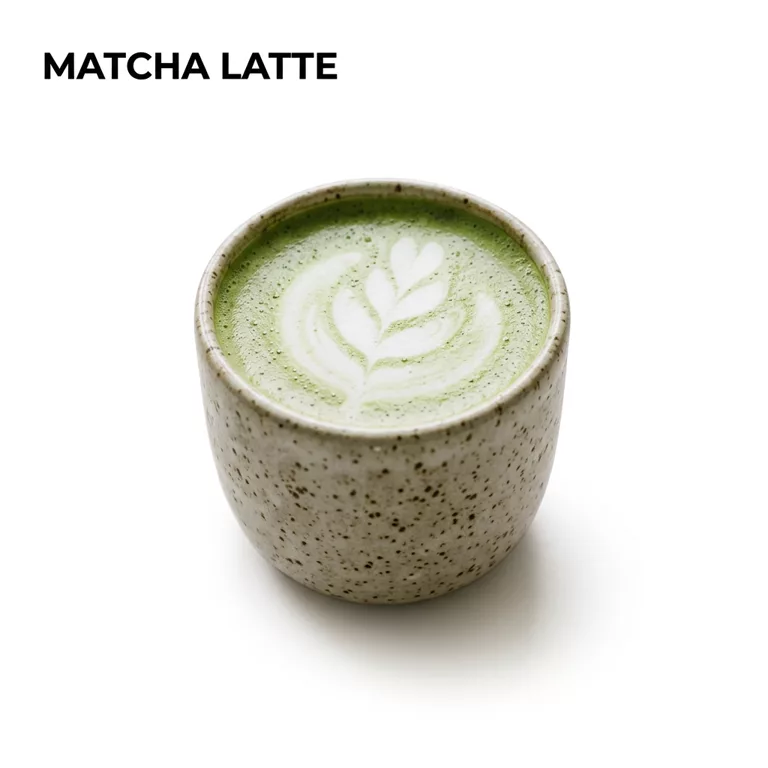 Photo editing
Isolate the source cup, change its viewing angle, and add a clean background, soft shadow, and short label.
 Portraits
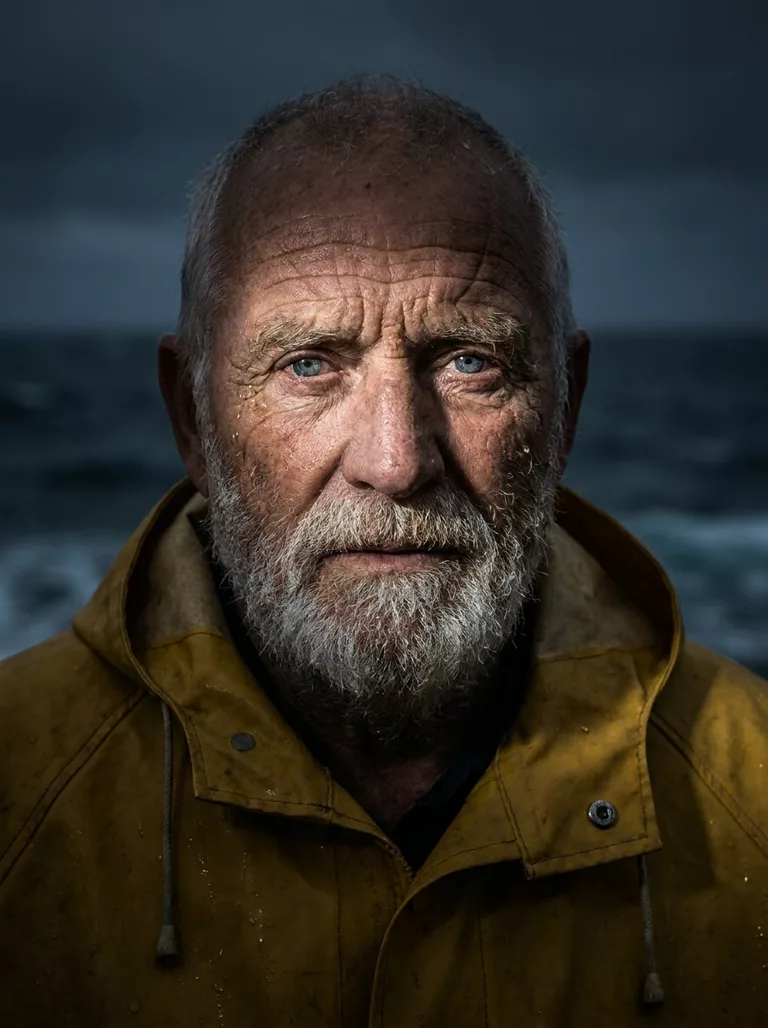
Create a close-up character portrait with weathered skin, a yellow raincoat, and dramatic directional light.