 Photo editing
Nano Banana 2.1Collected
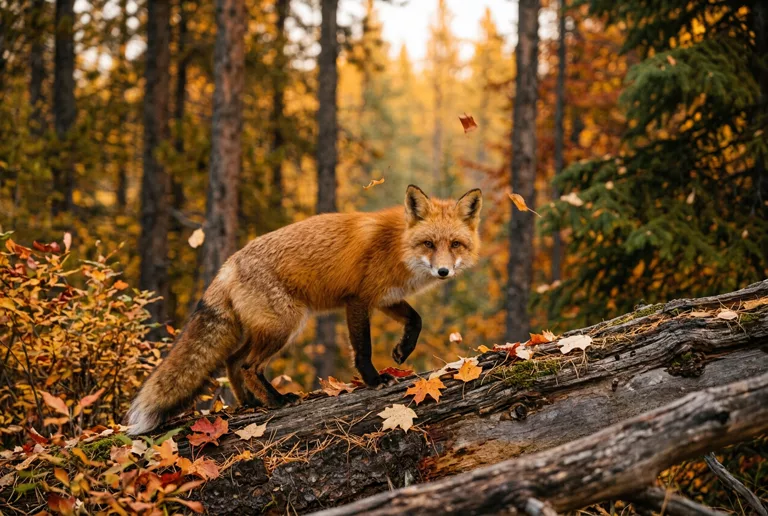
Change a photo’s season
Turn the source winter scene into autumn while asking the model to keep the animal, pose, and camera angle.
1 reference image
Convert the source portrait into a textured charcoal drawing while retaining its pose and expression.
A reference-image workflow for exploring a hand-drawn interpretation of a portrait while requesting the original face, expression, and composition. It is useful for a charcoal-style character study or an alternative presentation of an existing image. Upload one image; adapt references to wrinkles and beard if those features do not belong to your subject.
The original input used for this example. Use your own suitable image when trying the edit.
Turn this photo into a realistic charcoal drawing on textured off-white paper: expressive hatching strokes for the wrinkles and beard, deep smudged blacks in the background, a few loose construction lines at the edges, and a small artist signature in the corner. Keep the face, expression and composition the same.
Copy the prompt first, then upload the required reference image and paste the prompt into Gemini to start an image-editing chat. This link opens Gemini; it does not prefill or generate an image.
Original instructions, explained. These are editorial interpretations, not independently tested findings.
Turn this photo into a realistic charcoal drawing on textured off-white paper
Specifies an editing operation, a drawing medium, and a paper surface. The uploaded photo supplies the subject.
expressive hatching strokes for the wrinkles and beard
Connects the marks to particular facial features. Revise these words when editing a subject without a beard or prominent wrinkles.
deep smudged blacks in the background
Asks for dark, blended areas behind the subject, separating the background treatment from the finer facial marks.
a few loose construction lines at the edges
Requests a sketch-like border treatment rather than a uniformly polished drawing across the whole image.
a small artist signature in the corner
Requests generated signature-like lettering. Remove this clause if you do not want an invented signature in the image.
Keep the face, expression and composition the same.
Names the source features to retain while changing medium. The resulting face still needs comparison with the input.
Upload one clear image. The source reference is provided below; if using your own image, update the prompt’s subject-specific wording.
Open an image-editing session in a tool that offers a Nano Banana model.
Upload the reference image, then paste the prompt. Update subject-specific instructions if you use a different photo.
Choose the source aspect ratio (3:4) if available, generate, and compare the edited details with the input.
Photo editingTurn the source winter scene into autumn while asking the model to keep the animal, pose, and camera angle.
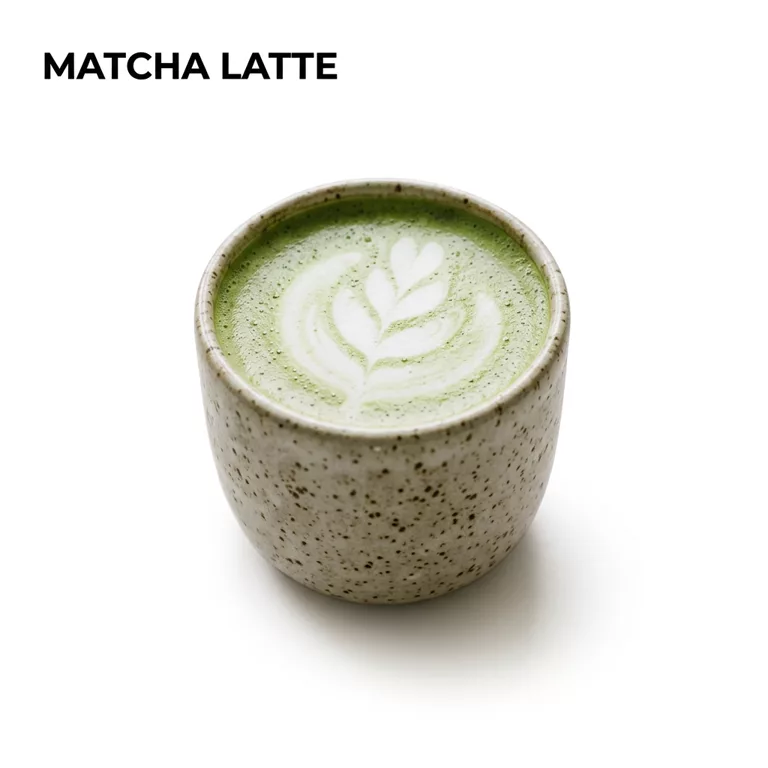 Photo editing
Isolate the source cup, change its viewing angle, and add a clean background, soft shadow, and short label.
 Portraits
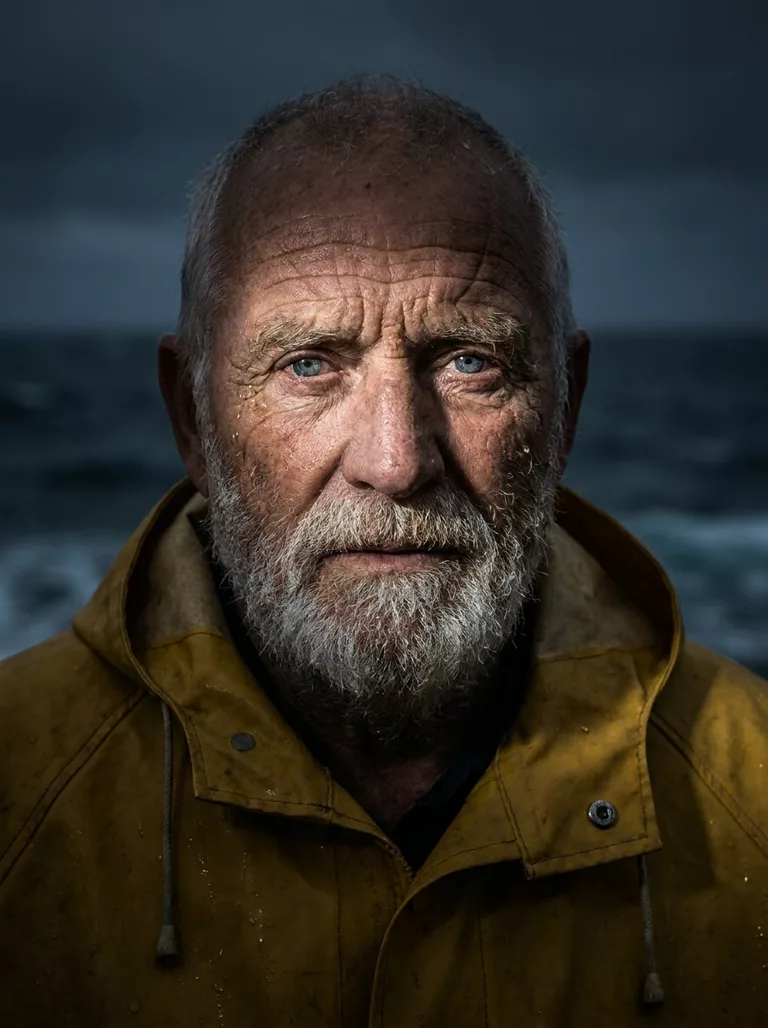
Create a close-up character portrait with weathered skin, a yellow raincoat, and dramatic directional light.