 Portraits
Nano Banana 2.1Collected
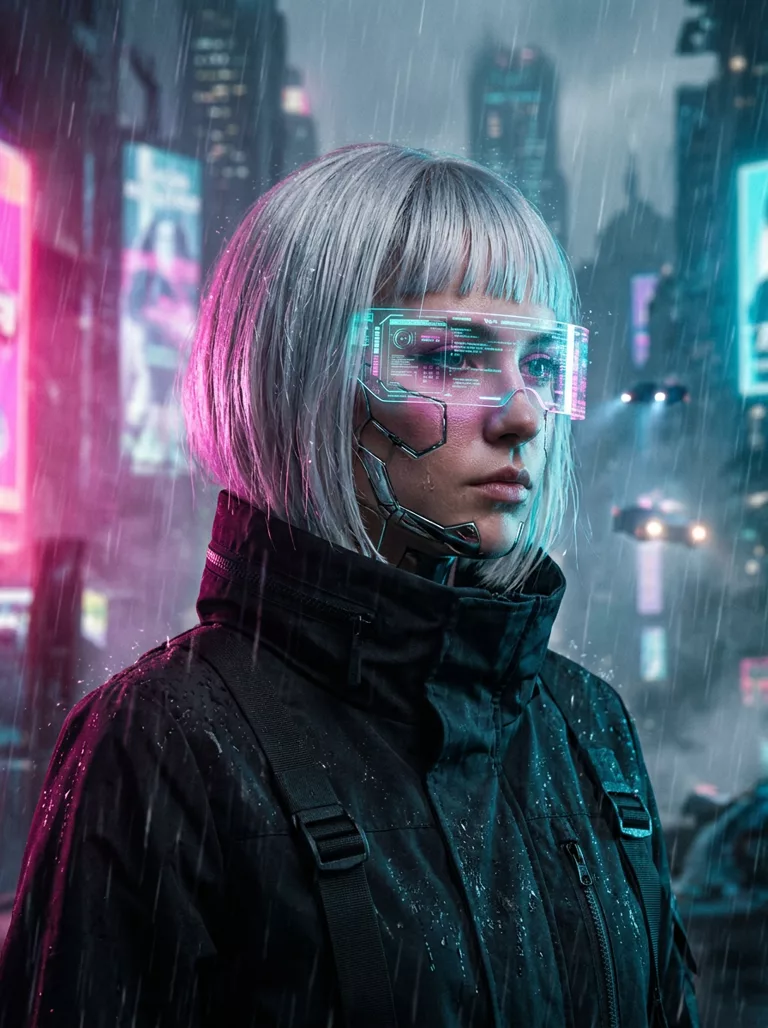
Neon cyberpunk portrait
Build a futuristic character portrait using pink and cyan light, reflective details, and a blurred night city.
Text only
Create a close-up character portrait with weathered skin, a yellow raincoat, and dramatic directional light.
A starting point for a fictional character study, an editorial portrait concept, or a lighting reference. The close framing puts facial texture ahead of the surroundings. Choose it when you want to invent a character from text; use a reference-image workflow instead if your task depends on an existing person’s identity.
Close-up portrait of an elderly fisherman with a deeply wrinkled weathered face and a white beard, wearing a yellow raincoat, sea spray on his skin, piercing blue eyes, dramatic Rembrandt lighting, dark moody background, shot on 85mm f/1.4, hyper-realistic skin texture
Copy the prompt first, then paste it into Gemini to start an image-generation chat. This link opens Gemini; it does not prefill or generate an image.
Original instructions, explained. These are editorial interpretations, not independently tested findings.
Close-up portrait of an elderly fisherman with a deeply wrinkled weathered face and a white beard
Establishes the character and brings the face close enough for wrinkles and beard texture to be central to the image.
wearing a yellow raincoat
Provides a distinct color and occupational cue. Replace this phrase when exploring a different wardrobe without changing the face description.
dramatic Rembrandt lighting
Names the intended lighting style. This is a requested visual treatment, not evidence of a lighting setup used by this site.
dark moody background
Keeps the surroundings subdued so they support the face rather than introduce a second subject or detailed setting.
shot on 85mm f/1.4, hyper-realistic skin texture
Requests a portrait-lens look and detailed skin. The lens wording is part of the prompt, not verified camera metadata.
No reference image required. The source example was generated from text.
Open image generation in a tool that offers a Nano Banana model.
Paste the prompt and change any subject, setting, or text you want to customize.
Choose the source aspect ratio (3:4) if available, generate, and inspect the result.
PortraitsBuild a futuristic character portrait using pink and cyan light, reflective details, and a blurred night city.
 Portraits
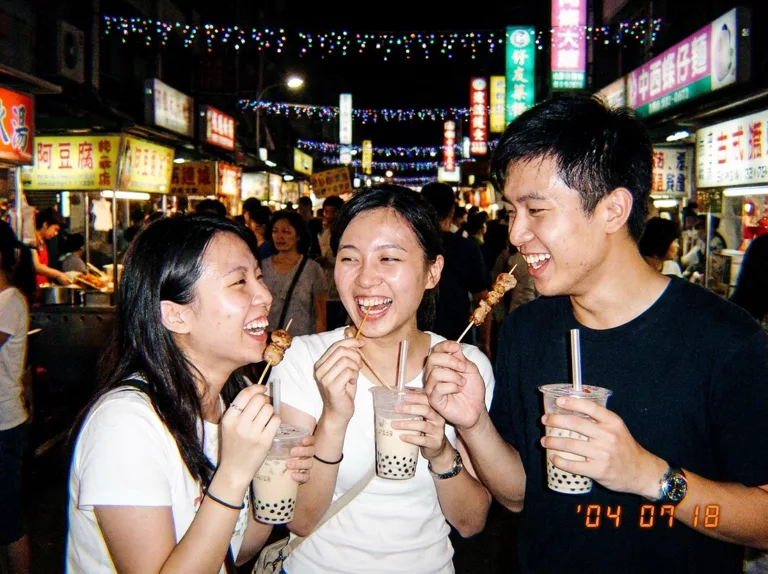
Generate a candid group scene with direct flash, imperfect color, and an early digital-camera look.
 Product photos
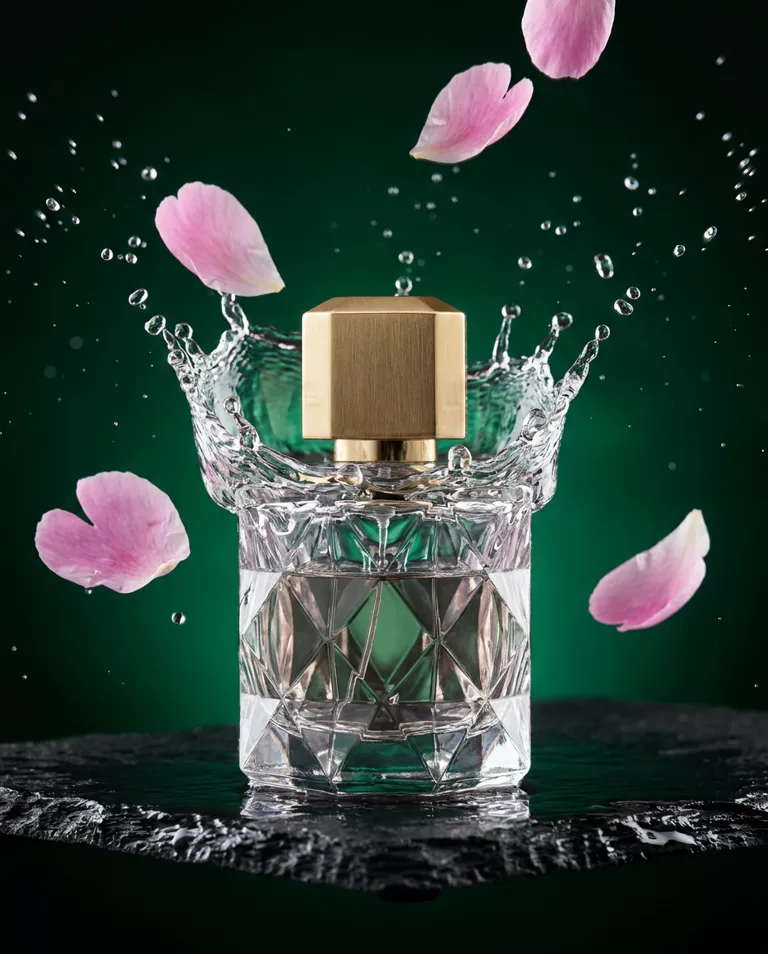
Create a premium fragrance concept with faceted glass, suspended water, petals, and controlled studio light.