 Portraits
Nano Banana ProCollected
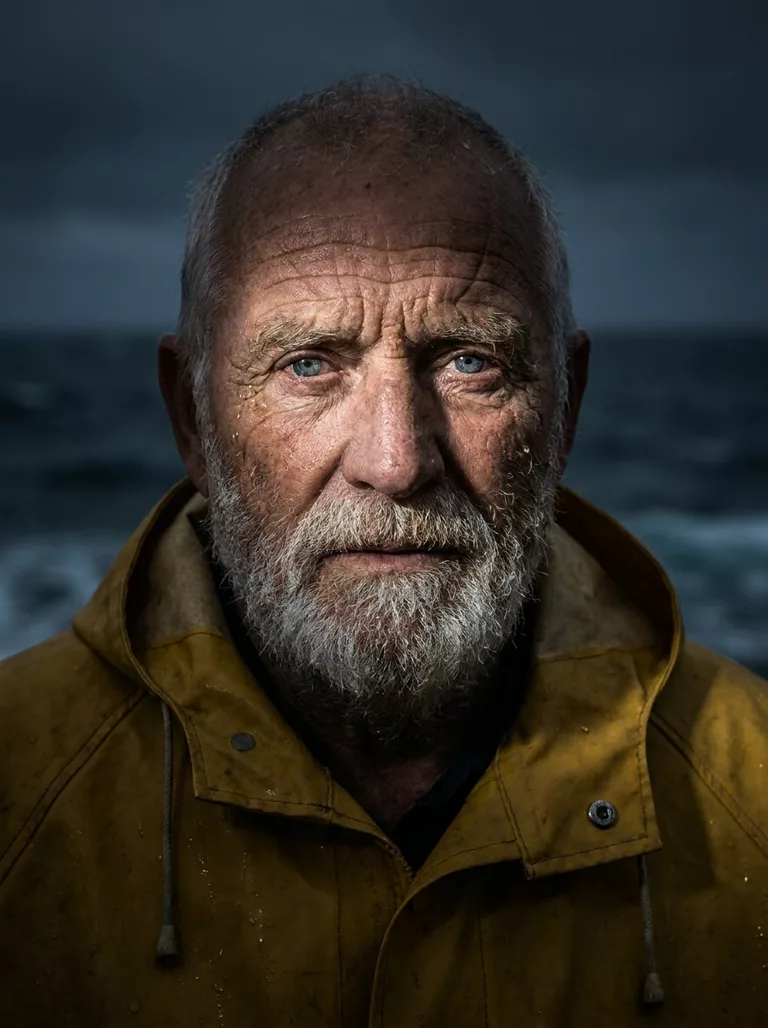
Dramatic fisherman portrait
Create a close-up character portrait with weathered skin, a yellow raincoat, and dramatic directional light.
Text only
Build a futuristic character portrait using pink and cyan light, reflective details, and a blurred night city.
Useful for a fictional science-fiction character concept, a neon color study, or an editorial-style portrait with layered accessories. The face, visor, rain, and blurred city work together as the visual brief. Use it to invent a new character from text, rather than to preserve the appearance of a real person across images.
Cinematic portrait of a young woman hacker in a cyberpunk city, short silver bob haircut, glowing holographic visor over her eyes, chrome cybernetic implants on her cheek, wearing a black techwear jacket, pink and cyan neon light from both sides, rain droplets, bokeh city lights behind, Blade Runner 2049 aesthetic
Copy the prompt first, then paste it into Gemini to start an image-generation chat. This link opens Gemini; it does not prefill or generate an image.
Original instructions, explained. These are editorial interpretations, not independently tested findings.
short silver bob haircut, glowing holographic visor over her eyes, chrome cybernetic implants on her cheek
Defines three identifying features. Change one feature first so the new character does not drift away from the intended visual brief.
wearing a black techwear jacket
Keeps the clothing dark and functional, leaving the neon colors and reflective accessories as the brighter accents.
pink and cyan neon light from both sides, rain droplets
Asks for contrasting side lighting and wet surfaces. Retain both light directions when comparing a new pair of colors.
bokeh city lights behind
Requests a blurred urban background rather than a fully described location. It specifies an appearance, not a lens model.
Blade Runner 2049 aesthetic
Uses a named cinematic reference as shorthand for mood. More explicit descriptions can replace the reference when you want a different direction.
No reference image required. The source example was generated from text.
Open image generation in a tool that offers a Nano Banana model.
Paste the prompt and change any subject, setting, or text you want to customize.
Choose the source aspect ratio (3:4) if available, generate, and inspect the result.
PortraitsCreate a close-up character portrait with weathered skin, a yellow raincoat, and dramatic directional light.
 Portraits
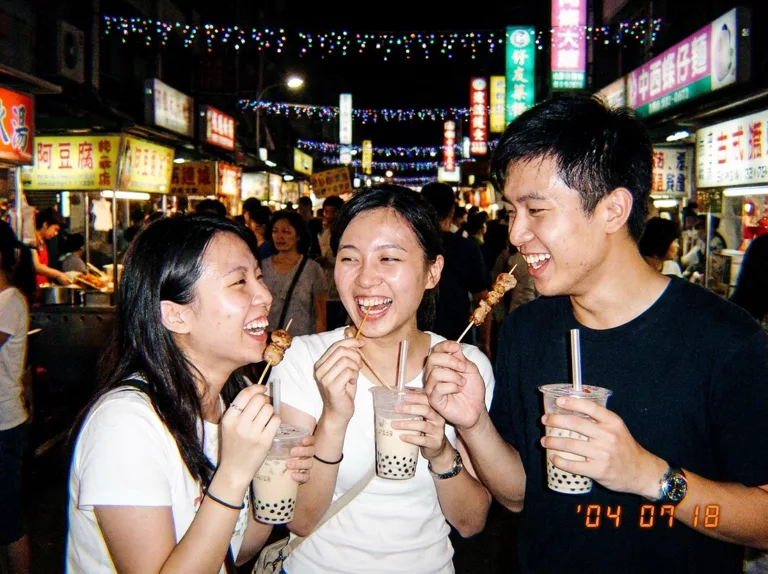
Generate a candid group scene with direct flash, imperfect color, and an early digital-camera look.
 Product photos
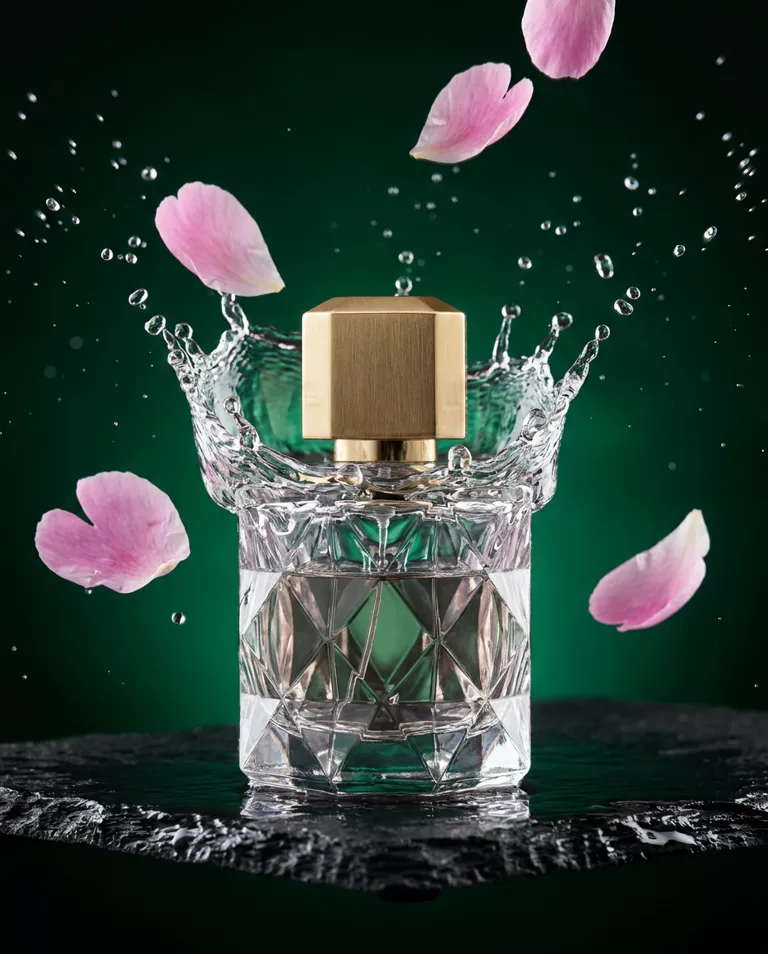
Create a premium fragrance concept with faceted glass, suspended water, petals, and controlled studio light.