 Photo editing
Nano Banana 2.1
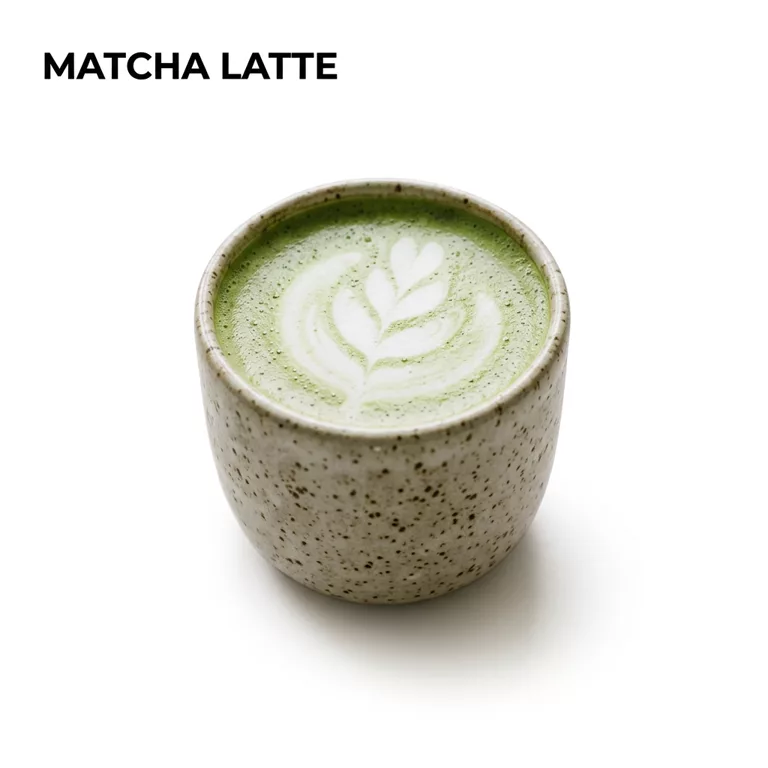
White-background product edit
Isolate the source cup, change its viewing angle, and add a clean background, soft shadow, and short label.
1 reference image
Repair damage in a scanned old photograph and add restrained, plausible color while preserving people, period details, and original framing.
Use this prompt to clean up a scanned family photograph or a damaged historical print while retaining its original character. It separates surface repair from color treatment, so you can keep a black-and-white finish or request restrained color. Supply known clothing colors or period details when they can guide uncertain areas.
Work from the uploaded photograph and produce a careful restoration, using [KNOWN_DETAILS] as additional guidance. First reduce scratches, creases and uneven fading while retaining the original photographic texture. Keep the same people, apparent ages, expressions, clothing, objects and crop. Repair small damaged regions using nearby visual evidence; leave major uncertain features understated instead of inventing crisp facial details. Then apply [COLOR_TREATMENT], with believable skin tones and restrained saturation. Preserve the original direction of light and the relationship between highlights and shadows. Return one restored image at the original aspect ratio. The result should still feel like the same historical photograph, with estimated colors rather than a modern restaging.
Copy the prompt first, then upload the required reference image and paste the prompt into Gemini to start an image-editing chat. This link opens Gemini; it does not prefill or generate an image.
See what each instruction controls, then adjust the parts that matter to your image.
reduce scratches, creases and uneven fading while retaining the original photographic texture
Targets damage and uneven aging without asking for an entirely new photographic finish.
Keep the same people, apparent ages, expressions, clothing, objects and crop.
Defines the people and composition as fixed elements during restoration.
leave major uncertain features understated instead of inventing crisp facial details
Asks for restraint where the photograph does not provide enough evidence for precise reconstruction.
apply [COLOR_TREATMENT], with believable skin tones and restrained saturation
Makes the color finish editable while keeping saturation and skin rendering controlled.
Return one restored image at the original aspect ratio.
Keeps the restored photograph in the same shape rather than introducing a new crop or comparison layout.
Upload one scan or straight-on photograph of the original print. Provide known colors or period details separately.
Replace the bracketed fields with the details for your case.
Upload one scan or straight-on photograph of the original print. Provide known colors or period details separately.
Paste the complete prompt into your image tool, then review the result against your goal.
Photo editingIsolate the source cup, change its viewing angle, and add a clean background, soft shadow, and short label.
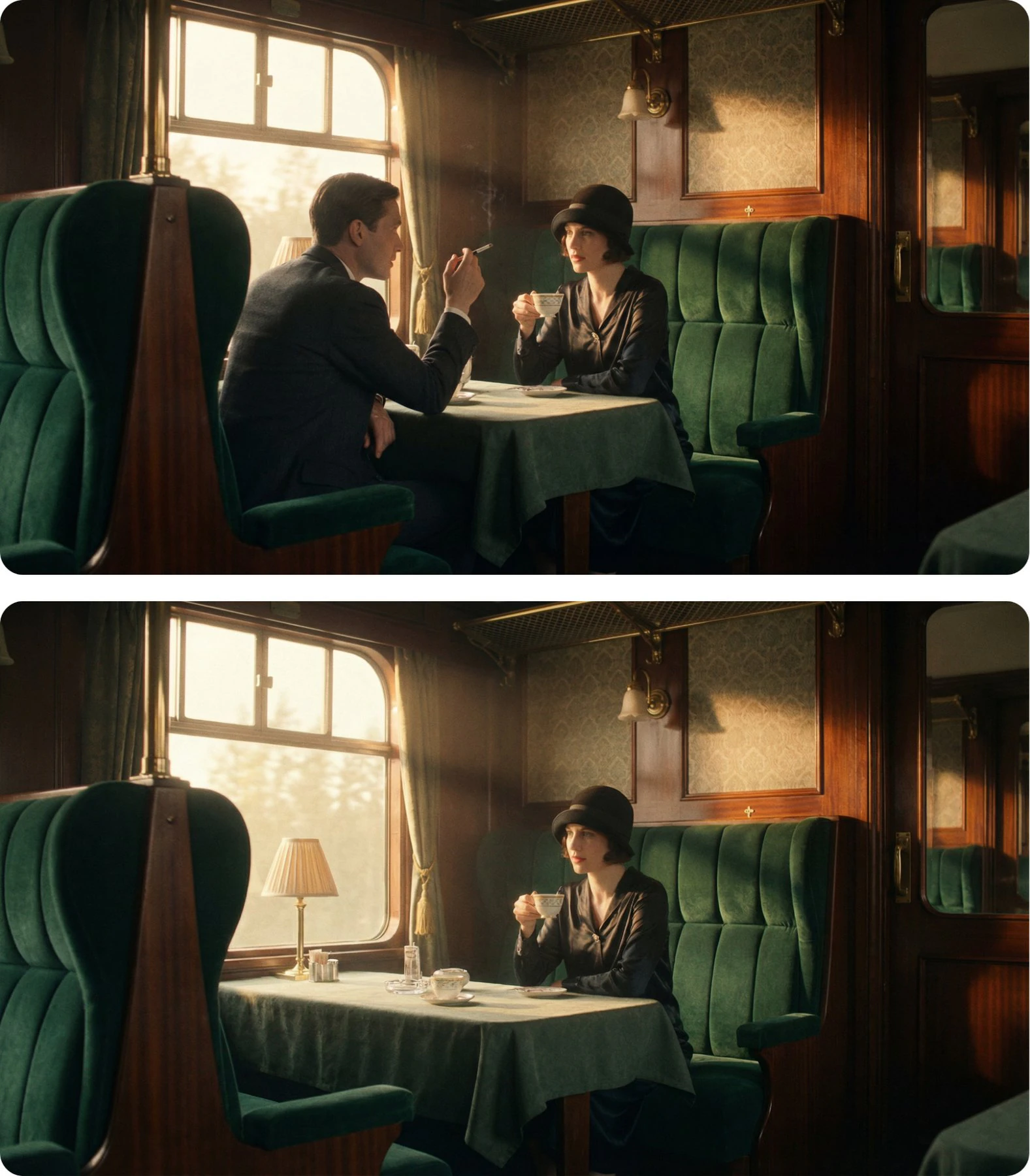 Photo editing
Remove one identified bystander from a portrait or travel photo and cleanly reconstruct the background while keeping the main subject and framing intact.
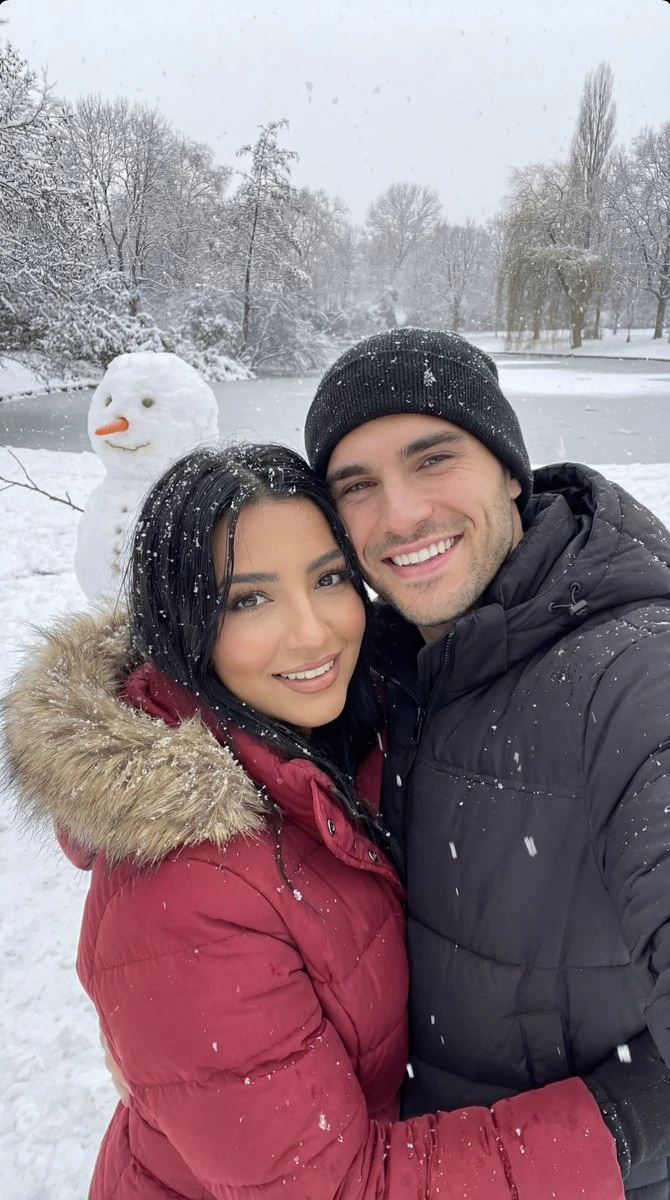 Photo editing
Change selected garment colors while preserving fabric texture, fit, people, and setting—ideal for comparing colorways without restyling the photo.