 Photo editing
Nano Banana Pro
Try On an Outfit from a Clothing Reference
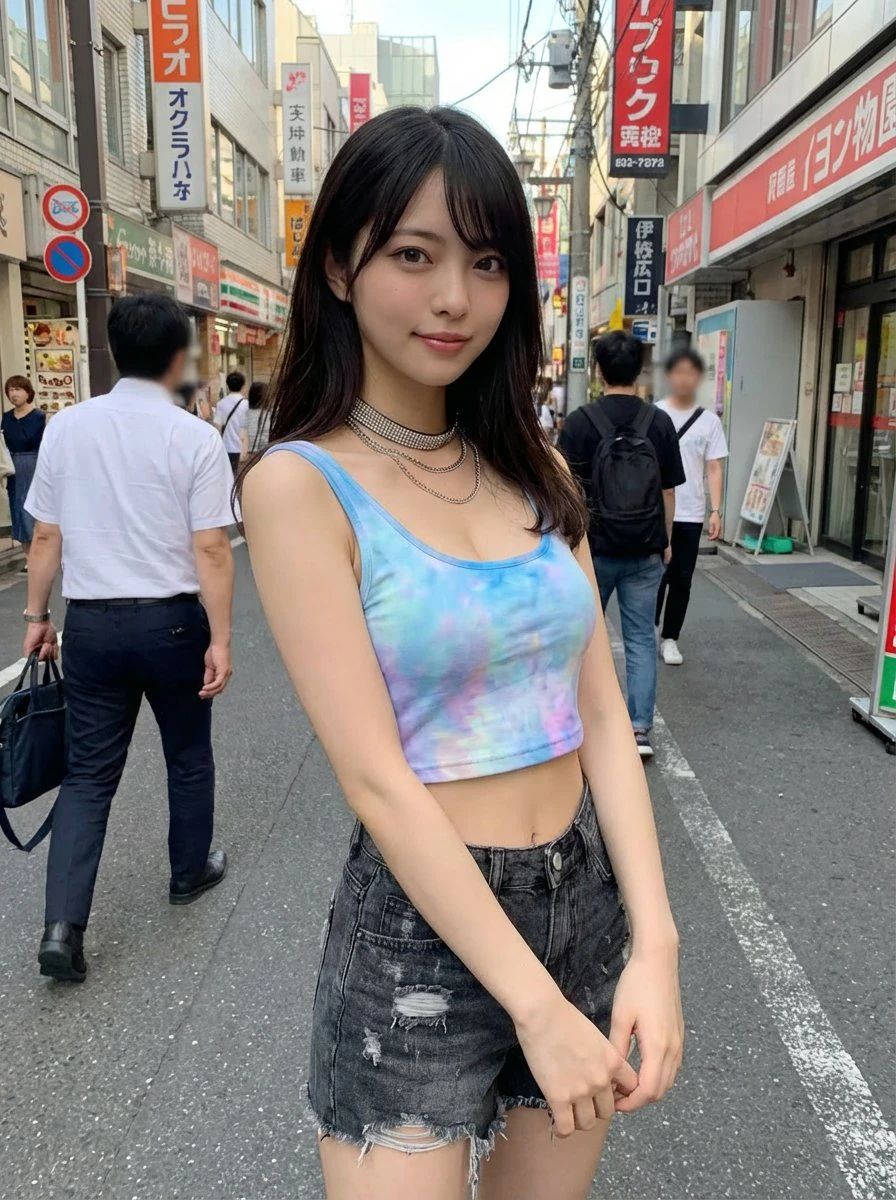
Combine a person's photo with a separate outfit reference. Preserve identity cues while adapting garment fit, folds and lighting to a coherent fashion image.
2 reference images
Change selected garment colors while preserving fabric texture, fit, people, and setting—ideal for comparing colorways without restyling the photo.
Choose this prompt for comparing clothing colors in an existing portrait or coordinating two garments without changing their design. It treats the image as a finished photograph rather than a new styling brief. Identify each garment precisely and check that seams, folds, skin, and surrounding objects remain consistent.
Treat the uploaded image as a finished photograph that needs a local color adjustment. Change [GARMENT_A] to [COLOR_A] and [GARMENT_B] to [COLOR_B]. Preserve each garment's cut, thickness, seams, fasteners and fold pattern. Let the new colors follow the existing highlights, shadows and fabric texture, including any snow or moisture on the surface. Retain the people's faces, hair, skin, expressions, pose and positions. Keep the background, camera crop and overall lighting as they appear in the original. Prevent the recoloring from bleeding onto hands, faces or nearby objects. Produce one edited photograph, with no comparison grid, captions or other new design elements.
Copy the prompt first, then upload the required reference image and paste the prompt into Gemini to start an image-editing chat. This link opens Gemini; it does not prefill or generate an image.
See what each instruction controls, then adjust the parts that matter to your image.
a finished photograph that needs a local color adjustment
Frames the request as a targeted edit rather than a full regeneration of the scene.
Change [GARMENT_A] to [COLOR_A] and [GARMENT_B] to [COLOR_B].
Pairs each garment with its own replacement color to keep the two edits distinct.
Preserve each garment's cut, thickness, seams, fasteners and fold pattern.
Keeps garment structure fixed while the color changes.
Let the new colors follow the existing highlights, shadows and fabric texture
Asks the replacement colors to respect the photograph's existing tonal and material variation.
Prevent the recoloring from bleeding onto hands, faces or nearby objects.
Defines adjacent skin and objects as areas that should remain outside the recoloring.
Upload one photo with the garments visible. Identify each garment by person and location.
Replace the bracketed fields with the details for your case.
Upload one photo with the garments visible. Identify each garment by person and location.
Paste the complete prompt into your image tool, then review the result against your goal.
Photo editingCombine a person's photo with a separate outfit reference. Preserve identity cues while adapting garment fit, folds and lighting to a coherent fashion image.
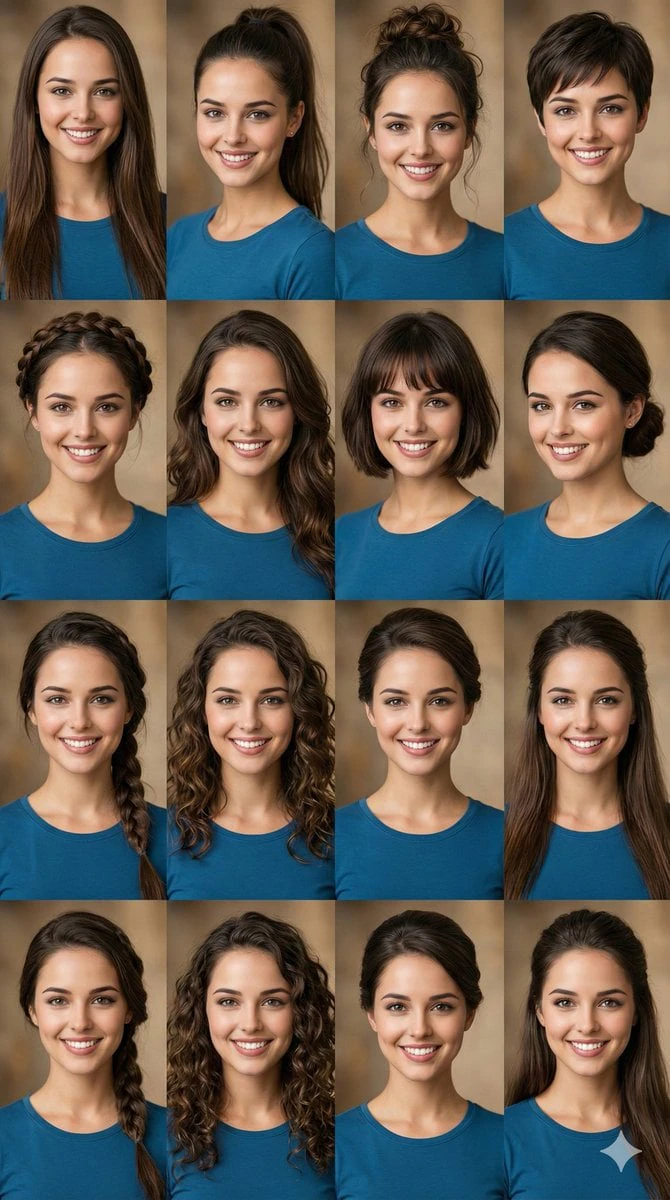 Photo editing
Create a six-panel hairstyle comparison from one portrait while keeping facial features, expression, wardrobe, and studio lighting consistent.
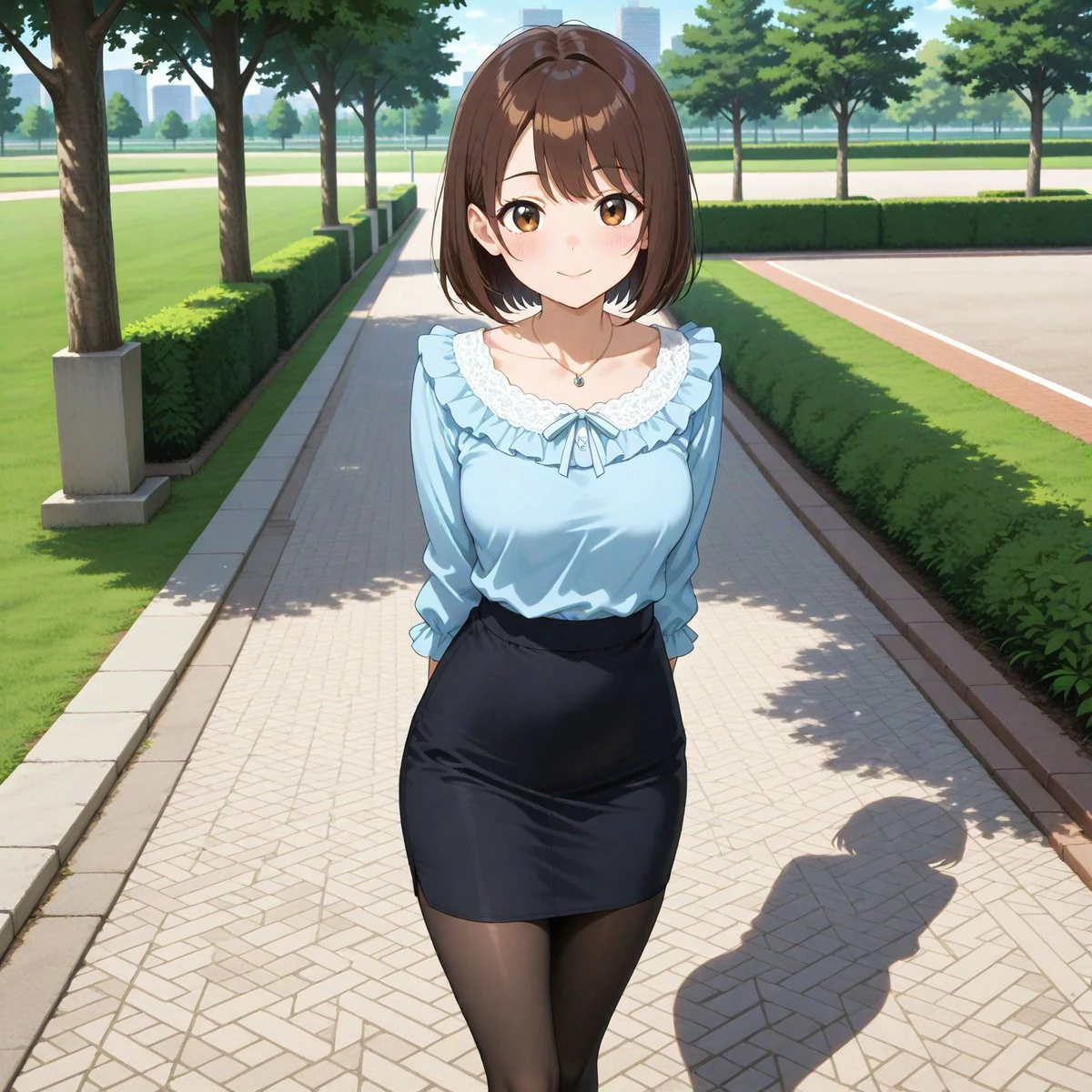 Photo editing
Expand the canvas around an existing photo by continuing the scene at its edges while keeping subject proportions intact and avoiding distortion.