 Photo editing
Nano Banana
Extend a Photo to a New Aspect Ratio
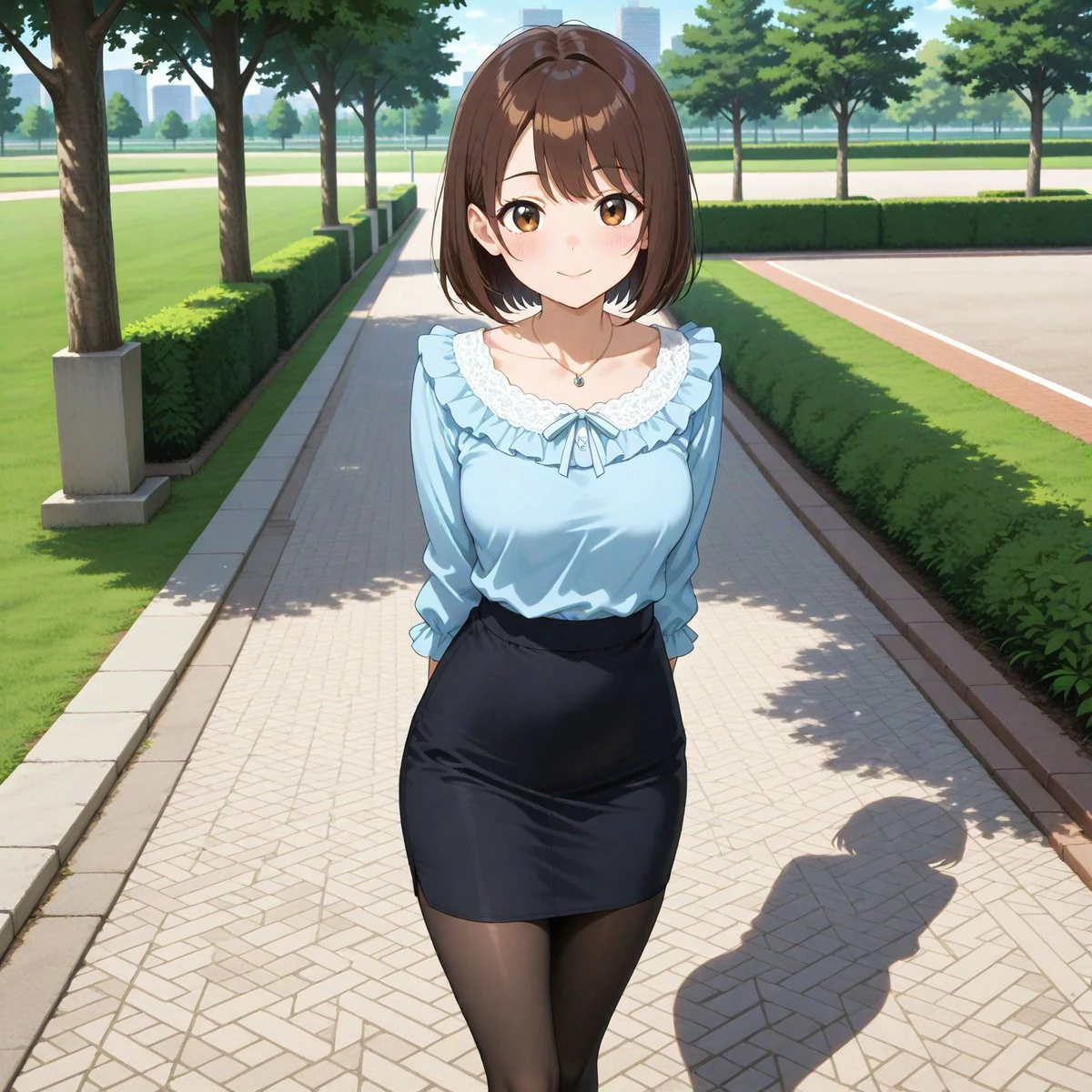
Expand the canvas around an existing photo by continuing the scene at its edges while keeping subject proportions intact and avoiding distortion.
1 reference image
Create a six-panel hairstyle comparison from one portrait while keeping facial features, expression, wardrobe, and studio lighting consistent.
Choose this prompt for a six-option hairstyle consultation or a side-by-side character styling comparison. One front-facing reference anchors the face while a fixed backdrop and light make the hair changes easier to compare. List exactly six styles in the order you want them to appear across the two-row sheet.
Create a hairstyle consultation sheet based on the uploaded portrait. Arrange six equal photographs in two rows and three columns, using [SIX_HAIRSTYLES] in reading order. Keep the person's facial proportions, apparent age, skin tone, expression, shoulder position and clothing consistent across the sheet. Change the hair shape, length and arrangement only; maintain [HAIR_COLOR] unless a listed hairstyle explicitly requests another color. Use the same plain warm-gray backdrop and gentle frontal light in every panel. Make hair roots, ears and the hairline plausible, and leave enough space around the head to show the complete silhouette. Use simple thin dividers and small panel numbers. Return a single comparison sheet without extra beauty retouching.
Copy the prompt first, then upload the required reference image and paste the prompt into Gemini to start an image-editing chat. This link opens Gemini; it does not prefill or generate an image.
See what each instruction controls, then adjust the parts that matter to your image.
six equal photographs in two rows and three columns
Fixes the panel count and grid so the hairstyle list has a predictable structure.
facial proportions, apparent age, skin tone, expression, shoulder position and clothing consistent across the sheet
Defines the non-hair features that should stay constant across the comparison.
Change the hair shape, length and arrangement only
Limits the transformation to hairstyle instead of changing the face or clothing.
maintain [HAIR_COLOR] unless a listed hairstyle explicitly requests another color
Separates the common hair color from any deliberate exception in the style list.
the same plain warm-gray backdrop and gentle frontal light in every panel
Keeps lighting and background changes from competing with the hairstyle differences.
Upload one front-facing portrait with a clear hairline. Supply exactly six hairstyle descriptions.
Replace the bracketed fields with the details for your case.
Upload one front-facing portrait with a clear hairline. Supply exactly six hairstyle descriptions.
Paste the complete prompt into your image tool, then review the result against your goal.
Photo editingExpand the canvas around an existing photo by continuing the scene at its edges while keeping subject proportions intact and avoiding distortion.
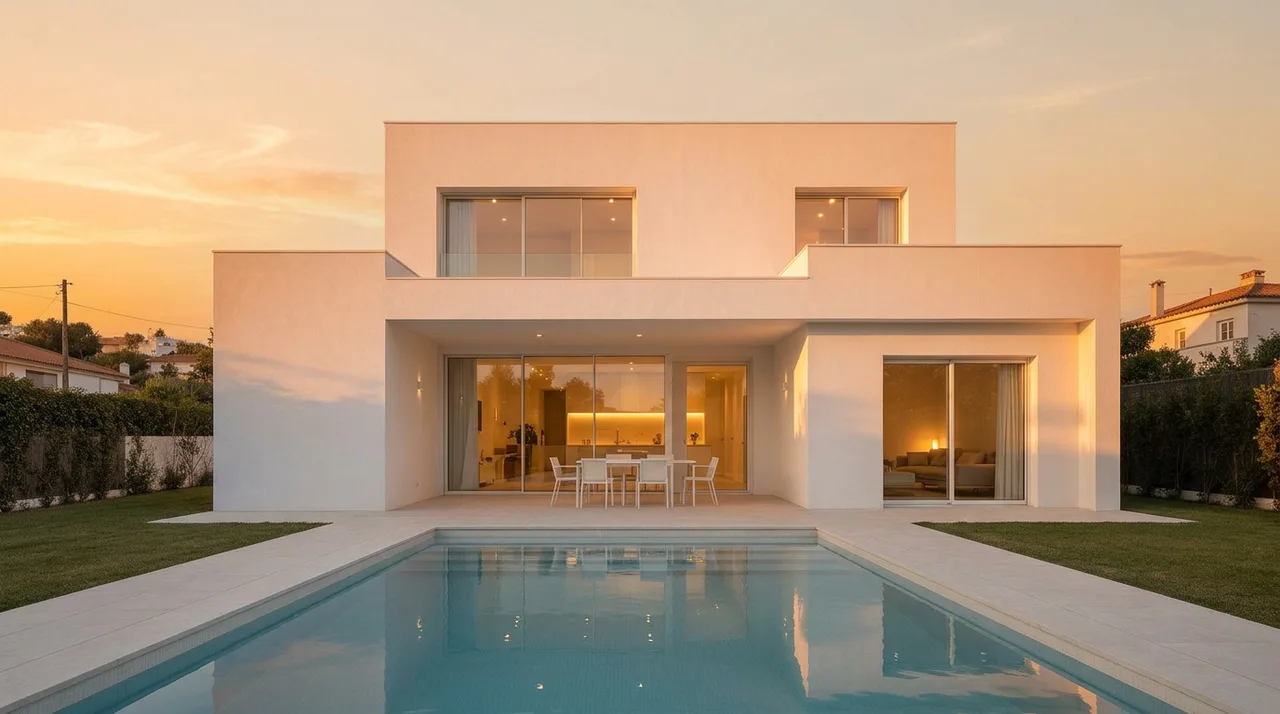 Photo editing
Relight a building photo from midday to golden hour by rebuilding sky, reflections, and shadows while keeping architecture and camera angle aligned.
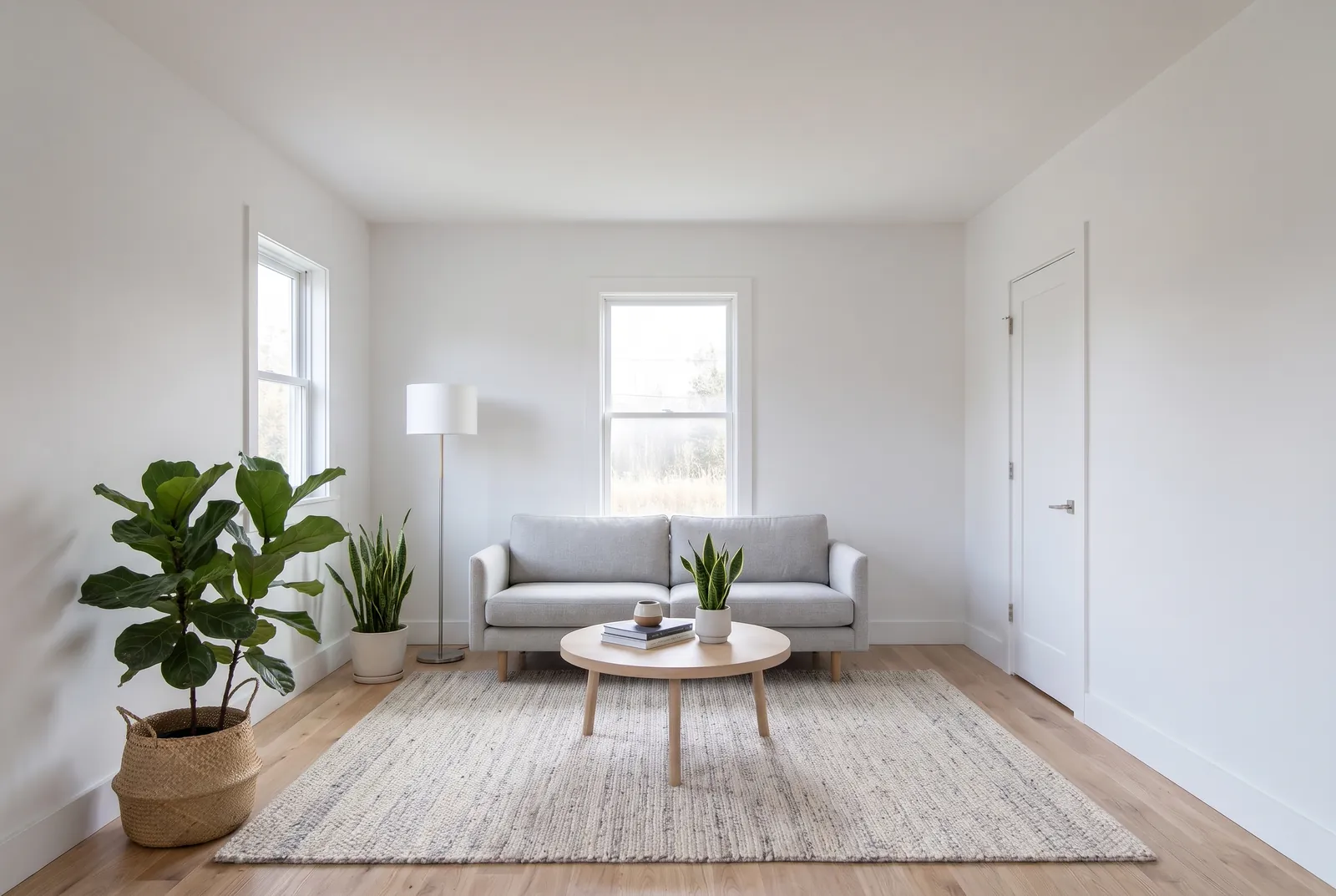 Photo editing
Stage an empty interior with a chosen furniture style while keeping the room structure, camera angle, natural light, and plausible spacing intact.