 Photo editing
Nano Banana Pro
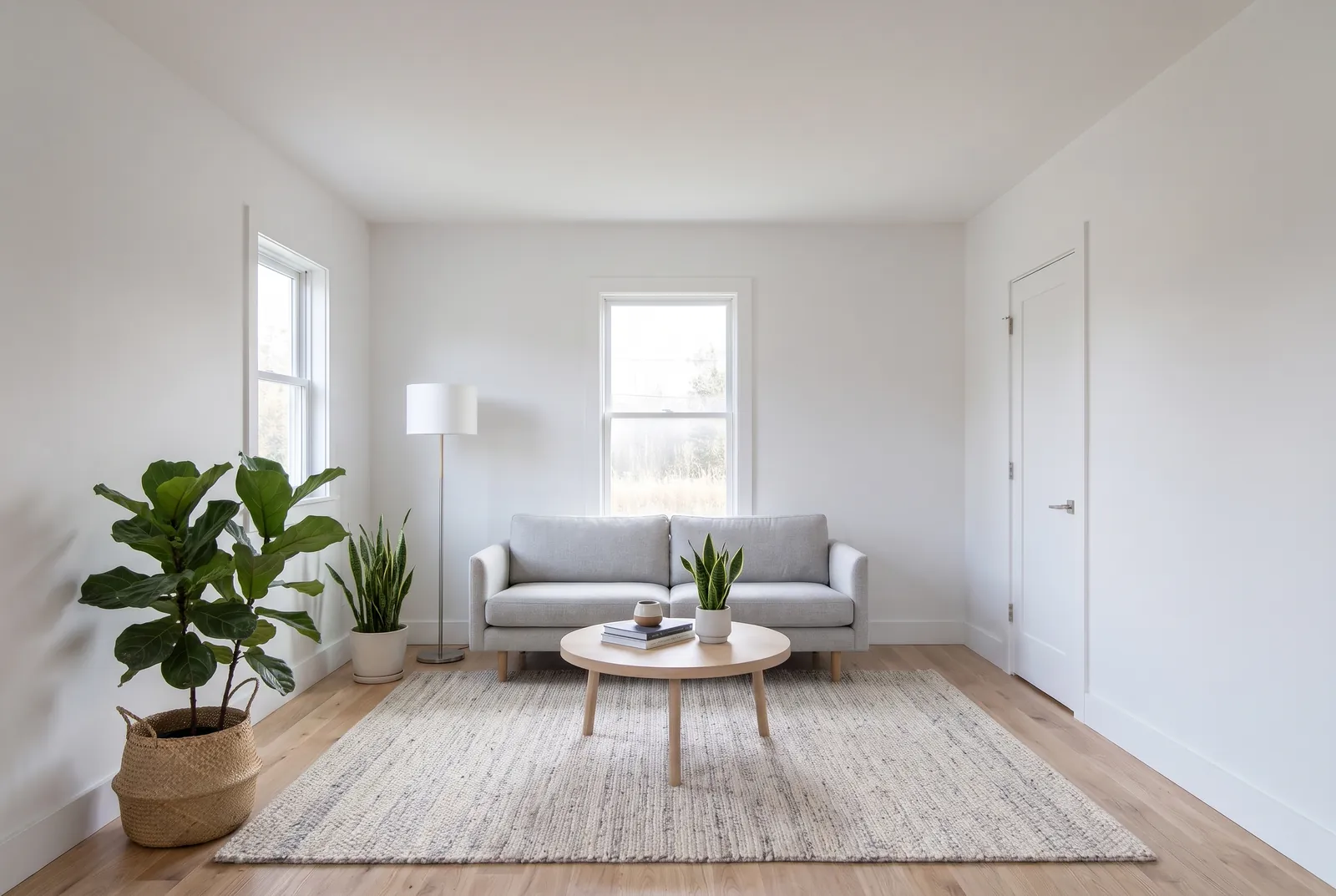
Furnish an Empty Room While Keeping Its Layout
Stage an empty interior with a chosen furniture style while keeping the room structure, camera angle, natural light, and plausible spacing intact.
1 reference image
Relight a building photo from midday to golden hour by rebuilding sky, reflections, and shadows while keeping architecture and camera angle aligned.
Use this prompt for an architectural mood study or a property-marketing concept that needs a sunset lighting treatment of an existing exterior. The building and camera position remain the structural reference. Choose the sun direction first, then coordinate the sky, long shadows, and glass or water reflections around it.
Relight the supplied exterior photograph as a calm scene near sunset. The low sun is positioned [SUN_DIRECTION], creating a warm edge light and long, consistent shadows. Preserve the building footprint, facade geometry, roof shape, window and door positions, landscaping and camera viewpoint. Change illumination rather than redesigning the architecture. Adjust the sky toward [SKY_PALETTE], and update glass and water reflections to agree with that sky. Add a restrained warm glow behind existing windows without creating new openings. Keep surface textures and distant details legible, with natural contrast rather than exaggerated orange grading. Return one photorealistic architectural image in the same aspect ratio as the reference.
Copy the prompt first, then upload the required reference image and paste the prompt into Gemini to start an image-editing chat. This link opens Gemini; it does not prefill or generate an image.
See what each instruction controls, then adjust the parts that matter to your image.
The low sun is positioned [SUN_DIRECTION], creating a warm edge light and long, consistent shadows.
Connects the sun's location with the direction and length of the lighting cues.
Preserve the building footprint, facade geometry, roof shape, window and door positions, landscaping and camera viewpoint.
Defines the architecture and view as constants rather than opportunities for redesign.
update glass and water reflections to agree with that sky
Links reflected color and brightness to the new sky treatment.
a restrained warm glow behind existing windows without creating new openings
Restricts interior illumination to the openings already present in the photograph.
natural contrast rather than exaggerated orange grading
Keeps the sunset treatment from becoming a uniform orange filter that obscures material detail.
Upload one exterior photograph with the roof, windows and ground visible. Choose a light direction.
Replace the bracketed fields with the details for your case.
Upload one exterior photograph with the roof, windows and ground visible. Choose a light direction.
Paste the complete prompt into your image tool, then review the result against your goal.
Photo editingStage an empty interior with a chosen furniture style while keeping the room structure, camera angle, natural light, and plausible spacing intact.
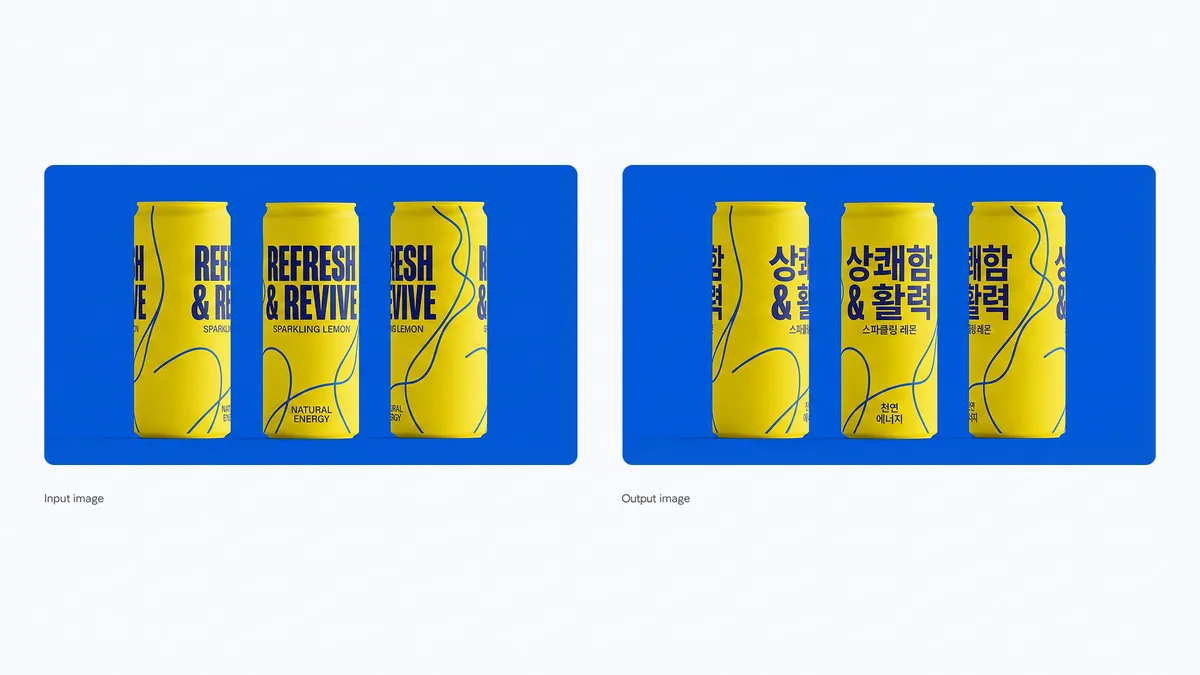 Photo editing
Translate or localize visible text on an existing package photograph while preserving container shape, surface curvature, lighting, and label hierarchy.
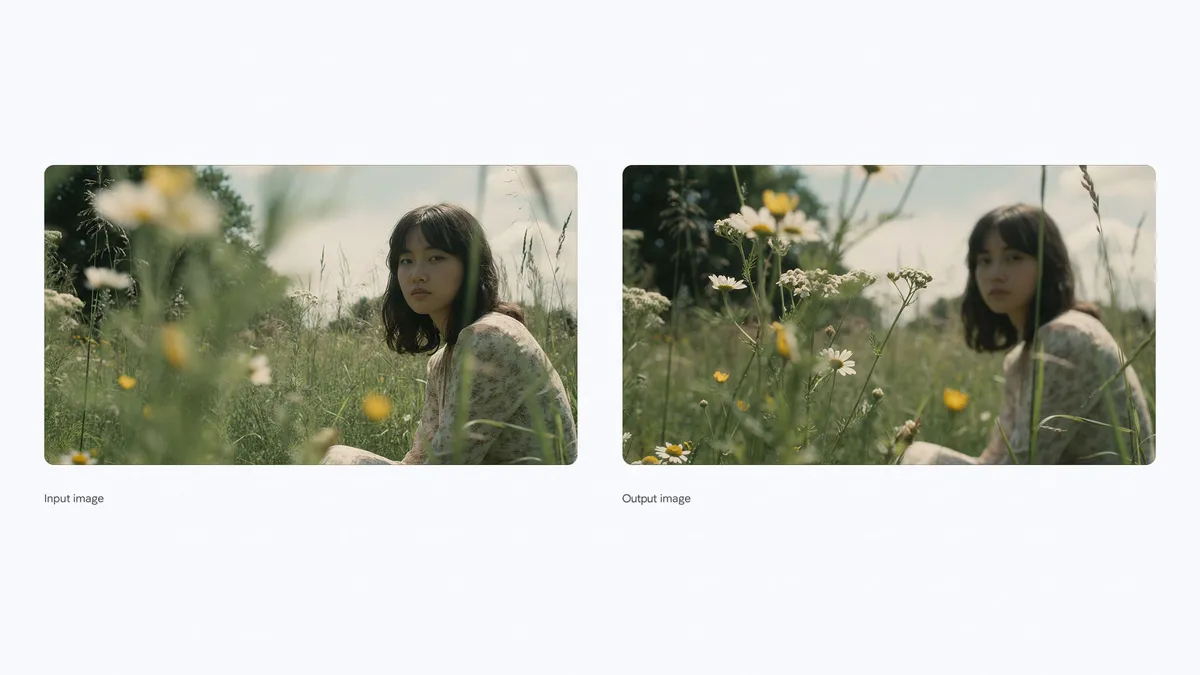 Photo editing
Shift apparent camera focus to a different depth plane in an existing photo while keeping the composition, lighting, and subject positions unchanged.