 Photo editing
Nano Banana 2
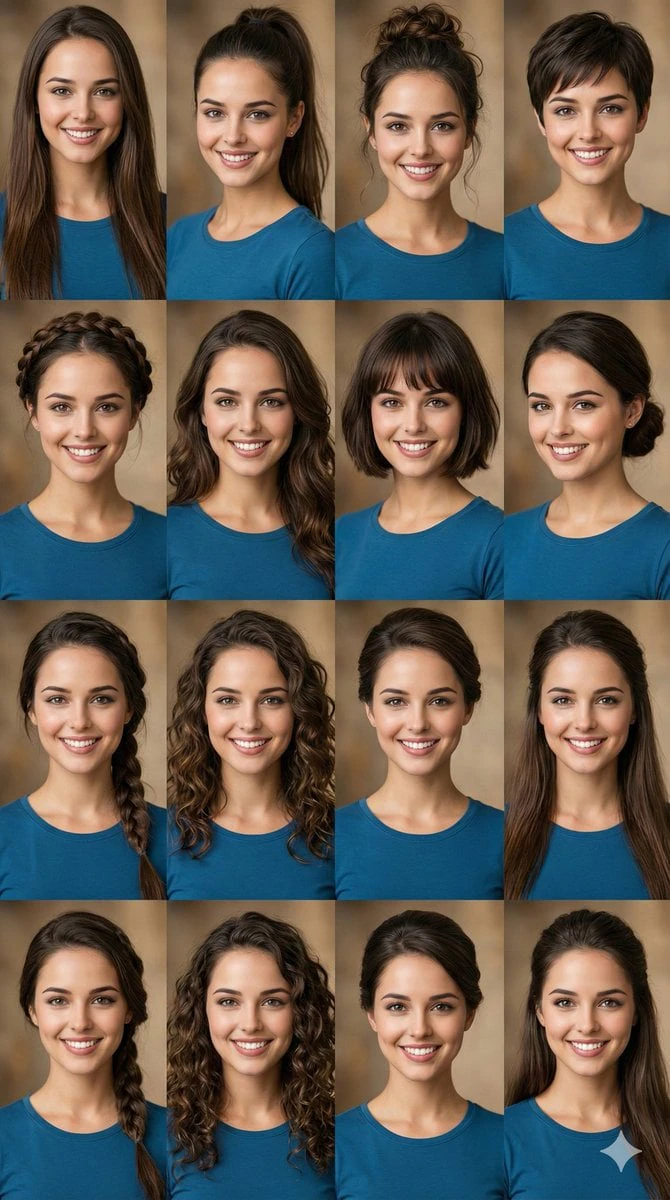
Compare Six Hairstyles on the Same Person
Create a six-panel hairstyle comparison from one portrait while keeping facial features, expression, wardrobe, and studio lighting consistent.
1 reference image
Combine a person's photo with a separate outfit reference. Preserve identity cues while adapting garment fit, folds and lighting to a coherent fashion image.
Use this two-reference workflow to explore how an outfit design could look on a particular person in a chosen setting. Image 1 supplies appearance and Image 2 supplies clothing details. A full-outfit composition is useful for checking silhouette, hems, and accessories before selecting a campaign or styling direction.
Use Image 1 to guide the person's appearance and Image 2 only to guide the clothing. Create a realistic fashion photograph of that person wearing the referenced outfit in [SETTING]. Preserve recognizable facial proportions, skin tone and hairstyle from Image 1. Reconstruct the outfit's silhouette, material, colors, closures and visible decorative details from Image 2, allowing believable folds and contact with the body. Use a relaxed standing pose with hands visible and the whole outfit inside the frame. Match the person's illumination to the setting using soft natural light. Keep the image free of additional accessories unless specified in [ACCESSORIES]. Return one photograph in [ASPECT_RATIO], suitable for comparing the clothing design.
Copy the prompt first, then upload the required reference image and paste the prompt into Gemini to start an image-editing chat. This link opens Gemini; it does not prefill or generate an image.
See what each instruction controls, then adjust the parts that matter to your image.
Use Image 1 to guide the person's appearance and Image 2 only to guide the clothing.
Assigns a distinct purpose to each upload instead of blending identity and garment information indiscriminately.
Preserve recognizable facial proportions, skin tone and hairstyle from Image 1.
Lists the appearance cues to compare with the person's reference.
the outfit's silhouette, material, colors, closures and visible decorative details from Image 2
Specifies which clothing properties should come from the outfit reference.
a relaxed standing pose with hands visible and the whole outfit inside the frame
Keeps the clothing and hands available for visual inspection rather than hiding them in a tight crop.
Keep the image free of additional accessories unless specified in [ACCESSORIES].
Makes extra styling an explicit choice instead of allowing unrelated accessories to change the look.
Upload Image 1: a clear person photo, preferably full body. Upload Image 2: the outfit, including hems and garment details.
Replace the bracketed fields with the details for your case.
Upload Image 1: a clear person photo, preferably full body. Upload Image 2: the outfit, including hems and garment details.
Paste the complete prompt into your image tool, then review the result against your goal.
Photo editingCreate a six-panel hairstyle comparison from one portrait while keeping facial features, expression, wardrobe, and studio lighting consistent.
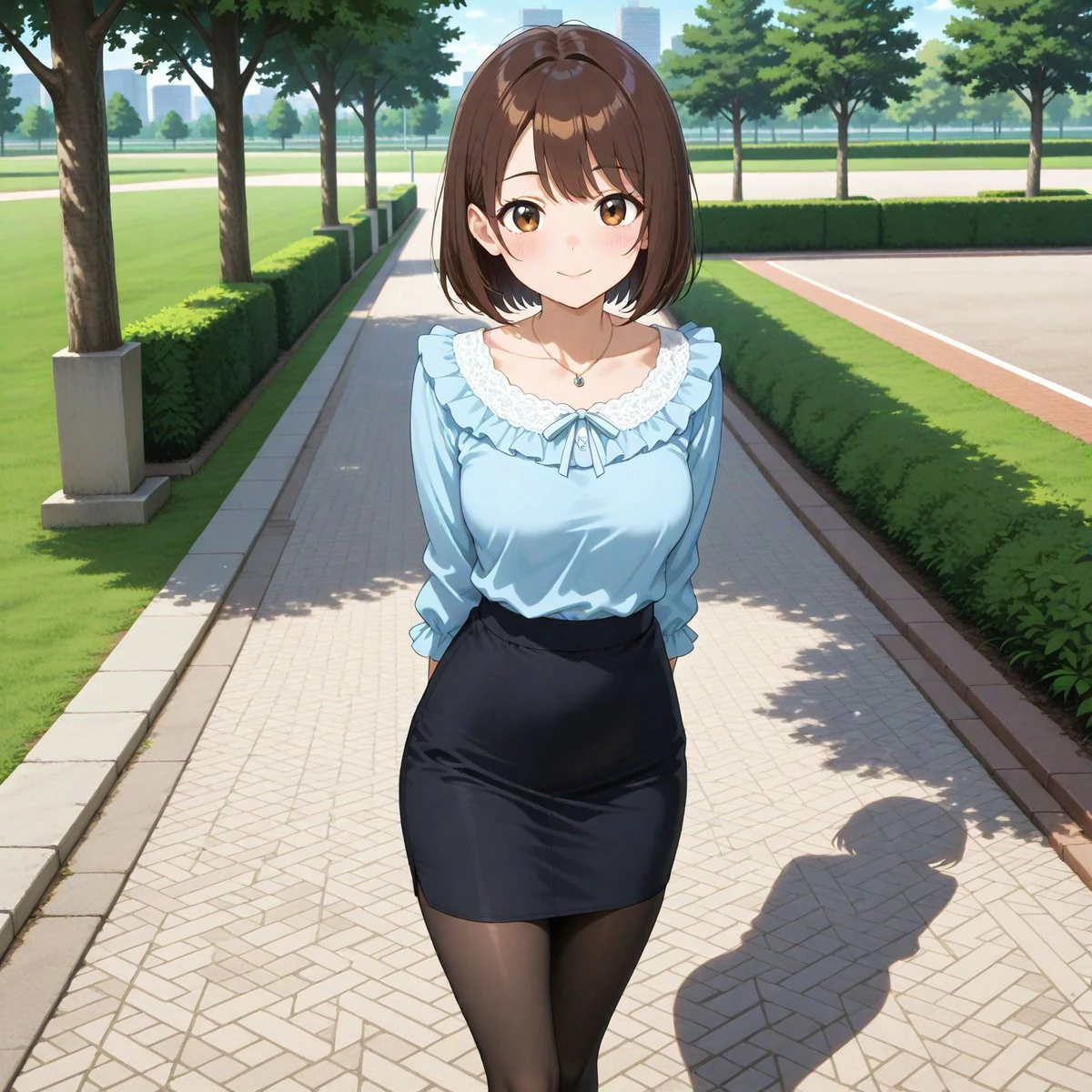 Photo editing
Expand the canvas around an existing photo by continuing the scene at its edges while keeping subject proportions intact and avoiding distortion.
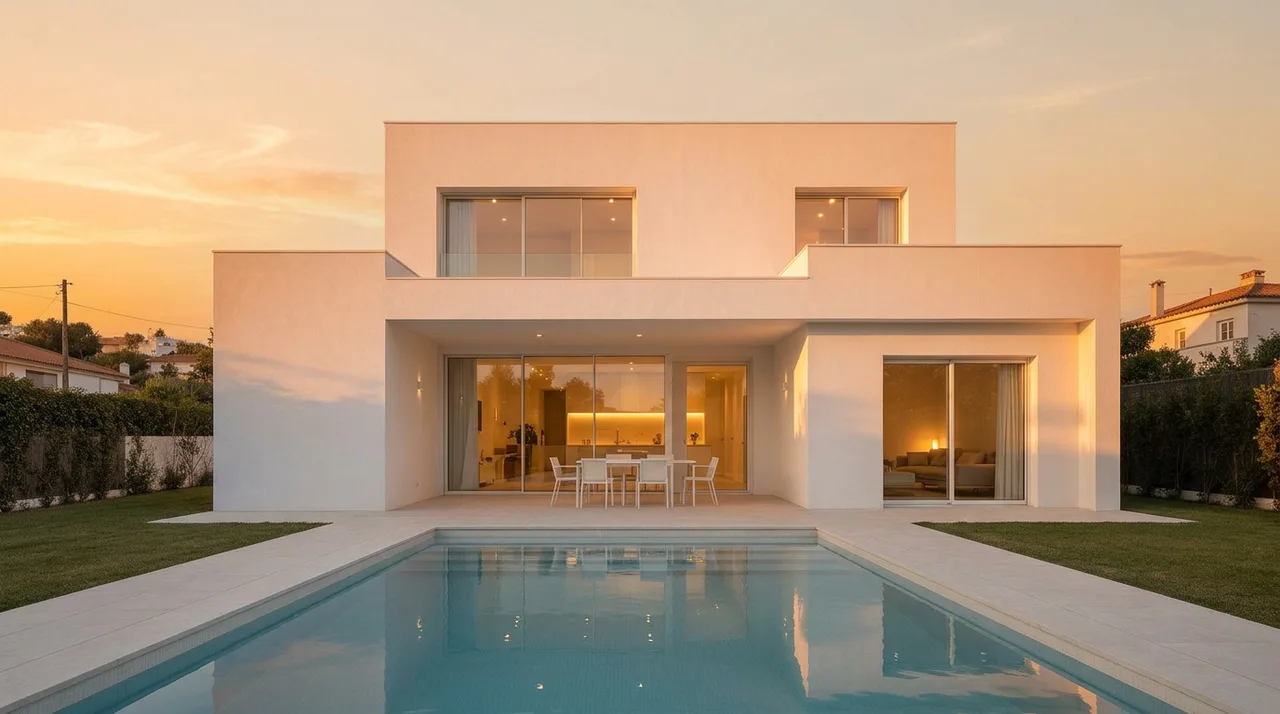 Photo editing
Relight a building photo from midday to golden hour by rebuilding sky, reflections, and shadows while keeping architecture and camera angle aligned.