 Portraits
Nano Banana Pro
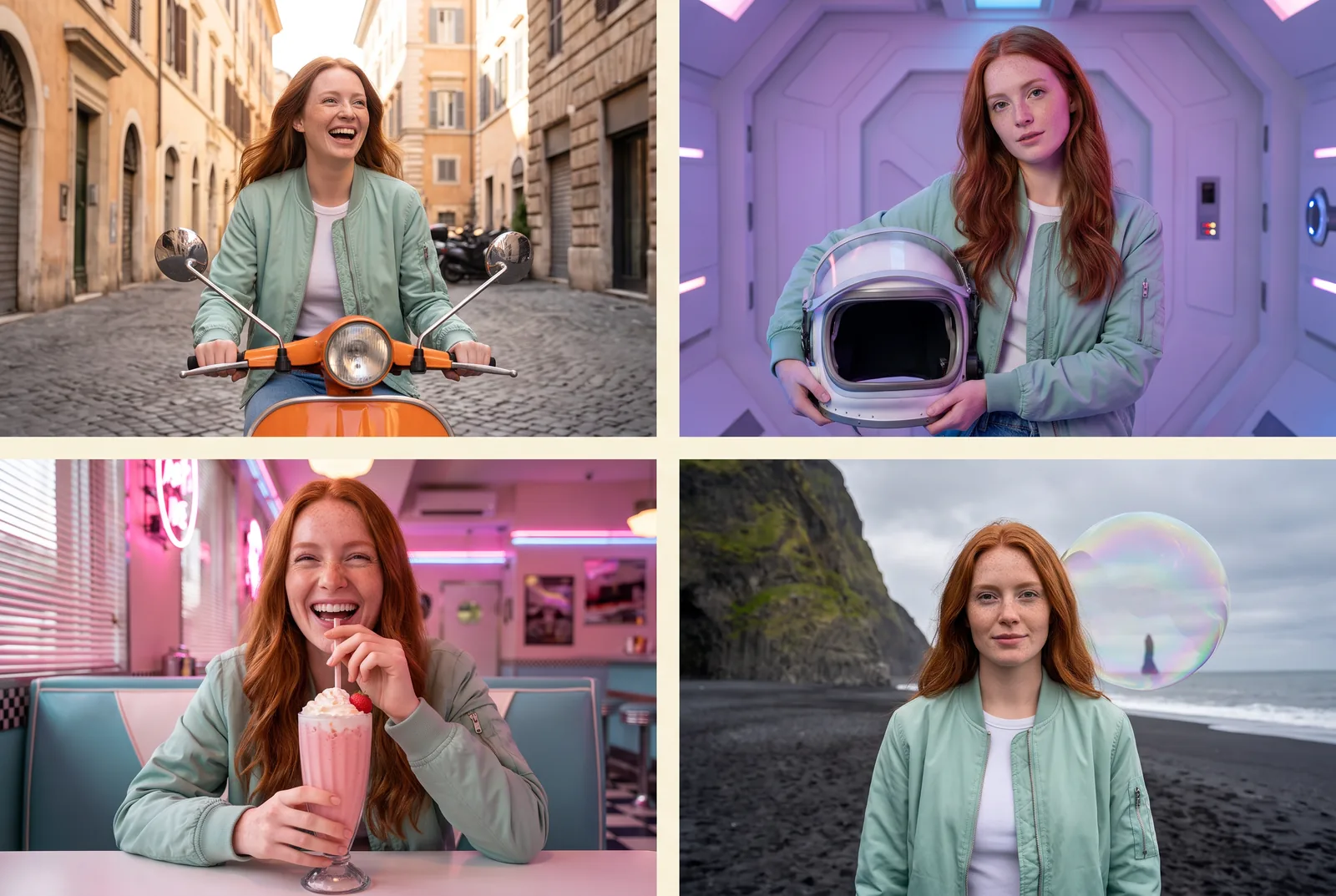
One Character Across Four Portrait Settings
Build a four-panel portrait sheet keeping one adult character recognizable across four settings through fixed identity notes, wardrobe, and panel order.
Text only
Blend a side-profile portrait with a scenic landscape while keeping the facial outline readable, using negative space and a restrained color palette.
Use this prompt for a conceptual profile image, an editorial cover direction, or a personal portrait combined with a meaningful place. It needs a clear side-profile photo so the silhouette remains recognizable. Choose broad landscape forms and a restrained palette when the face needs to stay readable at smaller sizes.
Use the uploaded adult side-profile portrait to create a conceptual double-exposure image. Preserve the recognizable forehead, nose, lips, chin, and hair outline. Fill the rear portion of the head and shoulders with [LANDSCAPE], using a gradual blend that leaves the front of the face readable. The scenery should have a believable horizon and depth, with the larger forms positioned away from the eye and mouth. Keep all landscape imagery within the portrait silhouette except for a faint transition near the shoulders. Place the figure on a spacious [BACKGROUND_TONE] background and use [COLOR_PALETTE] throughout. Aim for an elegant photographic composite with soft transitions and clear negative space. Produce a vertical 4:5 portrait without labels, extra faces, or a second head outline.
Copy the prompt first, then upload the required reference image and paste the prompt into Gemini to start an image-editing chat. This link opens Gemini; it does not prefill or generate an image.
See what each instruction controls, then adjust the parts that matter to your image.
Preserve the recognizable forehead, nose, lips, chin, and hair outline.
Identifies the features that should keep the uploaded profile recognizable after compositing.
Fill the rear portion of the head and shoulders with [LANDSCAPE]
Places the scenery mainly behind the facial features rather than uniformly over the whole face.
the larger forms positioned away from the eye and mouth
Reserves important facial areas from the landscape's strongest shapes.
Keep all landscape imagery within the portrait silhouette except for a faint transition near the shoulders.
Defines where the composite can extend beyond the person and where it should remain contained.
a spacious [BACKGROUND_TONE] background and use [COLOR_PALETTE] throughout
Coordinates the empty surrounding space with a consistent palette across portrait and landscape.
Upload one clear adult side-profile portrait with a distinct nose and chin outline; a simple background helps.
Replace the bracketed fields with the details for your case.
Upload one clear adult side-profile portrait with a distinct nose and chin outline; a simple background helps.
Paste the complete prompt into your image tool, then review the result against your goal.
PortraitsBuild a four-panel portrait sheet keeping one adult character recognizable across four settings through fixed identity notes, wardrobe, and panel order.
 Portraits
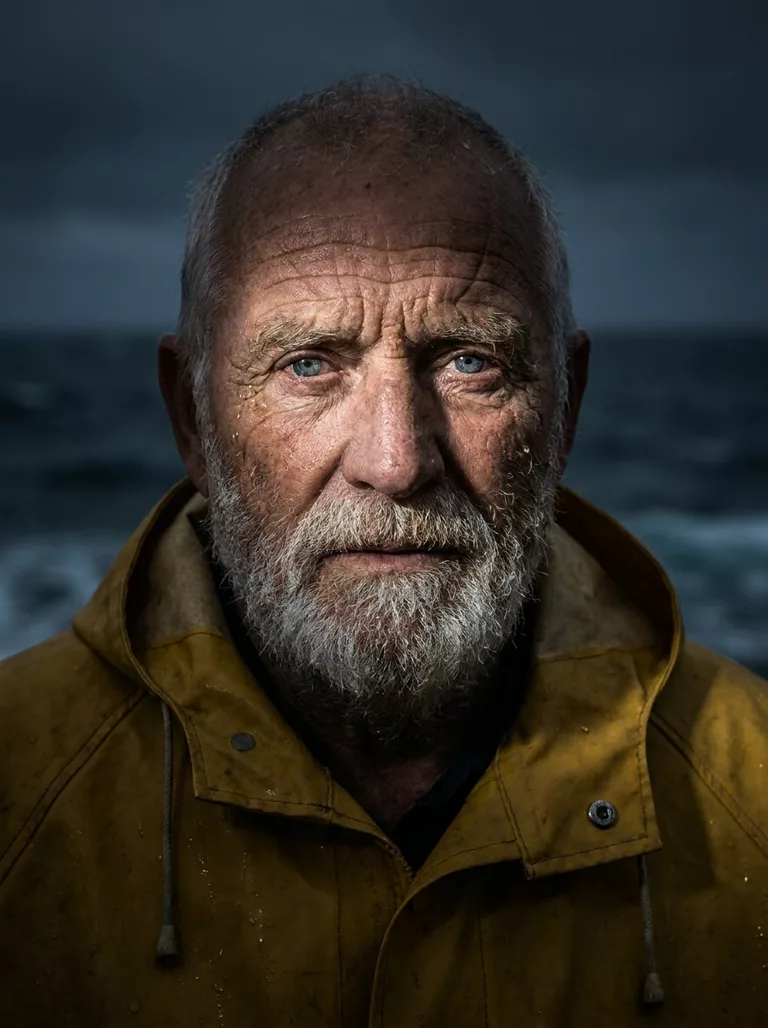
Create a close-up character portrait with weathered skin, a yellow raincoat, and dramatic directional light.
 Portraits
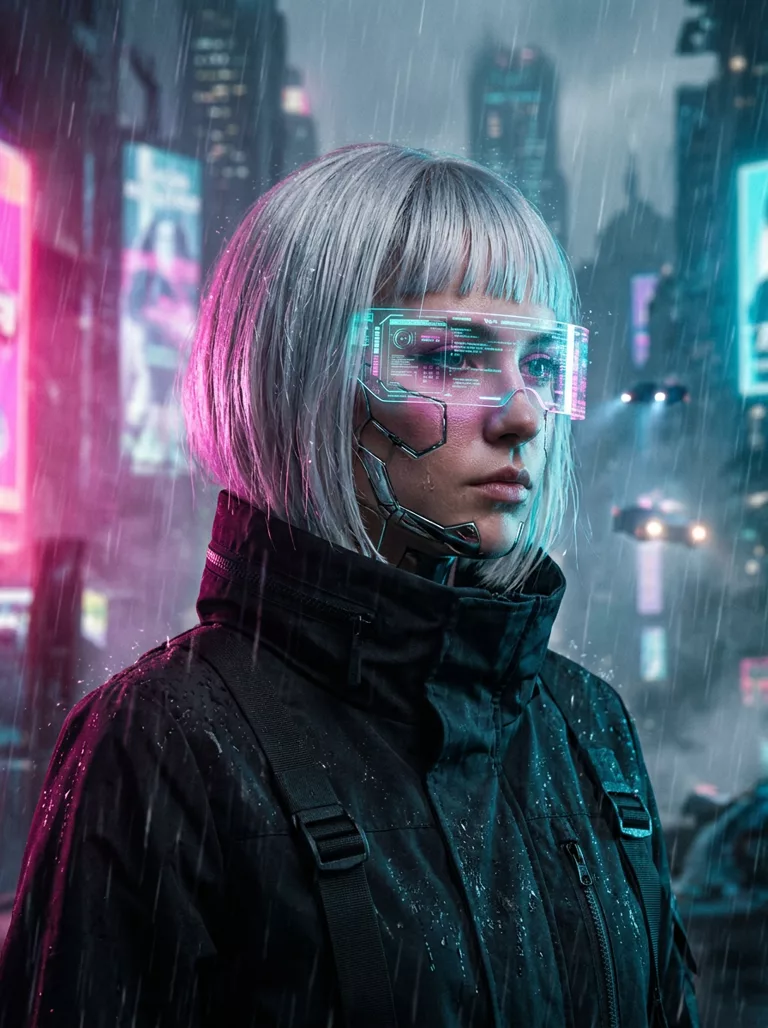
Build a futuristic character portrait using pink and cyan light, reflective details, and a blurred night city.