 Design
Nano Banana Pro
Architectural Letterform Word Art
Turn a short word into sculptural architectural lettering housing a miniature scene, using materials, internal lighting, and fine details.
Text only
Visualize a clean mobile habit tracker UI with readable habit rows, streak counts, progress indicators, and bottom navigation using your own data.
Choose this prompt for a habit-tracker screen concept, a product pitch, or an early discussion of mobile content hierarchy. The direct front view makes rows, checkboxes, and navigation easy to compare. Supply exactly five habit names and streak counts so the screen has deliberate content rather than filler interface text.
Create a single mobile app screen concept for a habit tracker named "[APP_NAME]". Show the interface directly from the front on a tall portrait canvas, without a phone bezel or perspective tilt. Use an off-white background, dark readable typography, and [ACCENT_COLOR] for selected controls. Place the app name at the top with a simple "Today" heading beneath it. Display exactly five rows using [HABIT_ROWS], each with a clear checkbox, the supplied habit name, and its supplied streak count. Use consistent spacing and generous touch targets. Add a quiet bottom navigation with four labeled destinations: Today, Progress, Habits, and Settings. Keep icons stylistically consistent, avoid decorative charts, and make the whole screen feel calm, practical, and visually balanced.
Copy the prompt first, then paste it into Gemini to start an image-generation chat. This link opens Gemini; it does not prefill or generate an image.
See what each instruction controls, then adjust the parts that matter to your image.
directly from the front on a tall portrait canvas, without a phone bezel or perspective tilt
Presents the interface itself instead of a decorative device mockup.
the app name at the top with a simple "Today" heading beneath it
Separates product identity from the current screen's title.
exactly five rows using [HABIT_ROWS]
Fixes the content count and ties each row to the supplied habit data.
a clear checkbox, the supplied habit name, and its supplied streak count
Defines the repeating information and interaction cues within every row.
four labeled destinations: Today, Progress, Habits, and Settings
Specifies a compact navigation structure without adding unrelated destinations.
No image required. Provide the app name and exactly five habit names with their display counts.
Replace the bracketed fields with the details for your case.
Paste the complete prompt into your image tool, then review the result against your goal.
DesignTurn a short word into sculptural architectural lettering housing a miniature scene, using materials, internal lighting, and fine details.
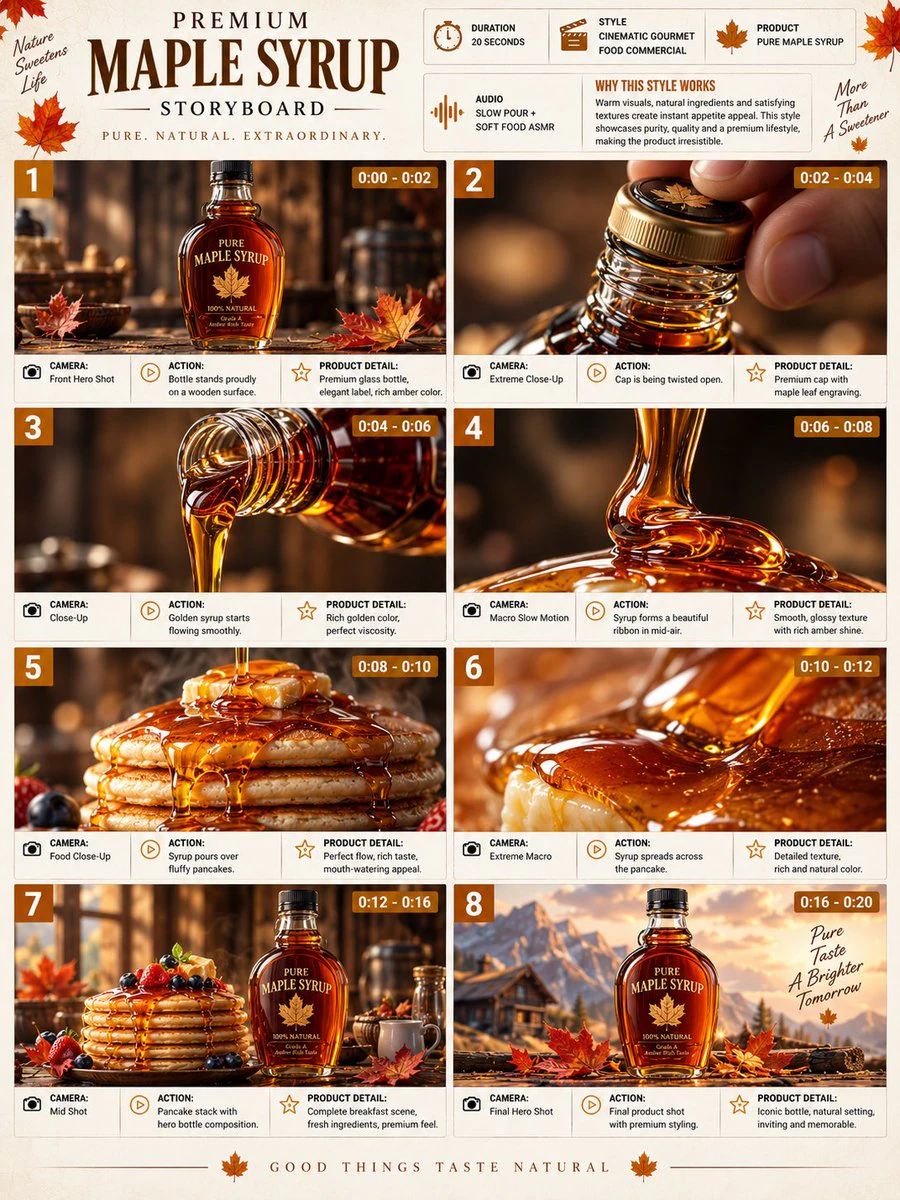 Design
Map a food campaign as a cohesive storyboard sheet from product reveal through serving details to closing packshot with consistent lighting and palette.
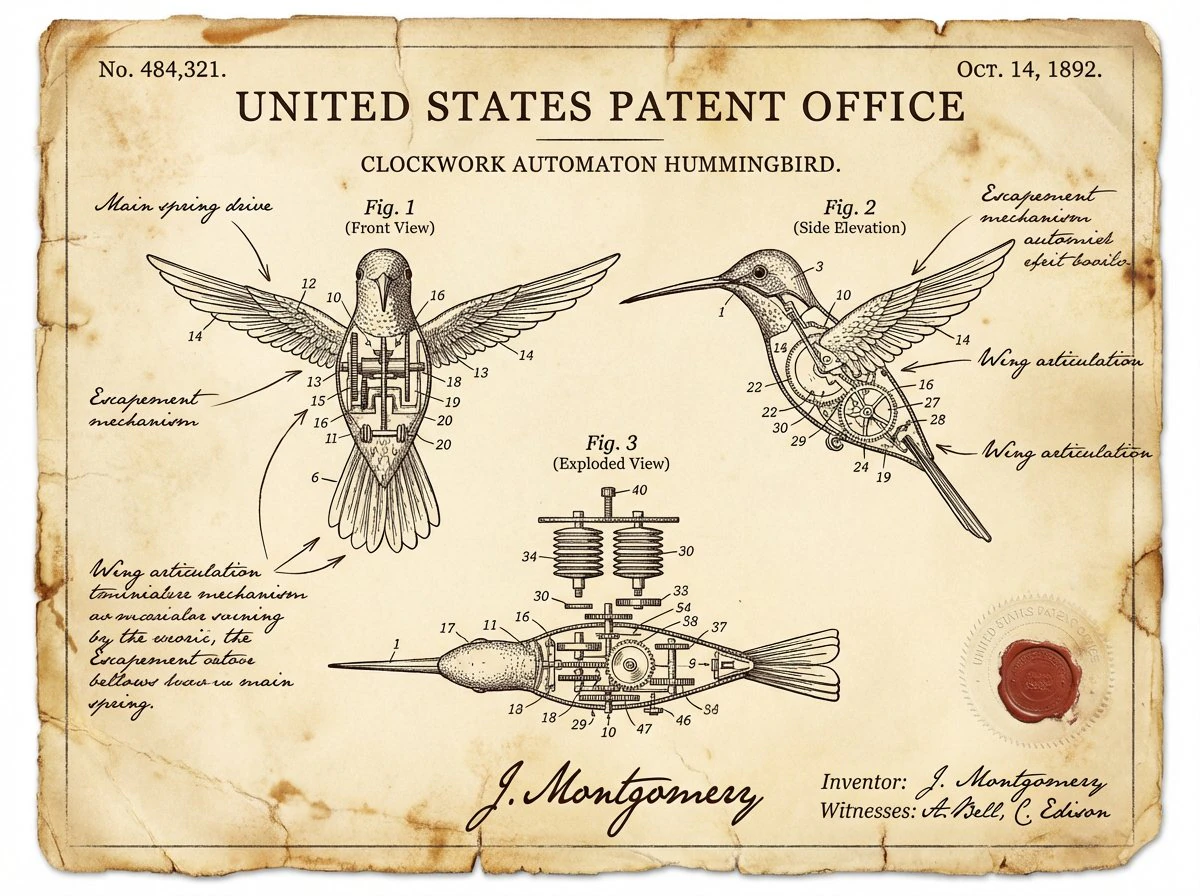 Design
Illustrate an original invention on a vintage technical sheet with coordinated views, numbered details, aged paper texture, and crisp linework.