 Design
Nano Banana Pro
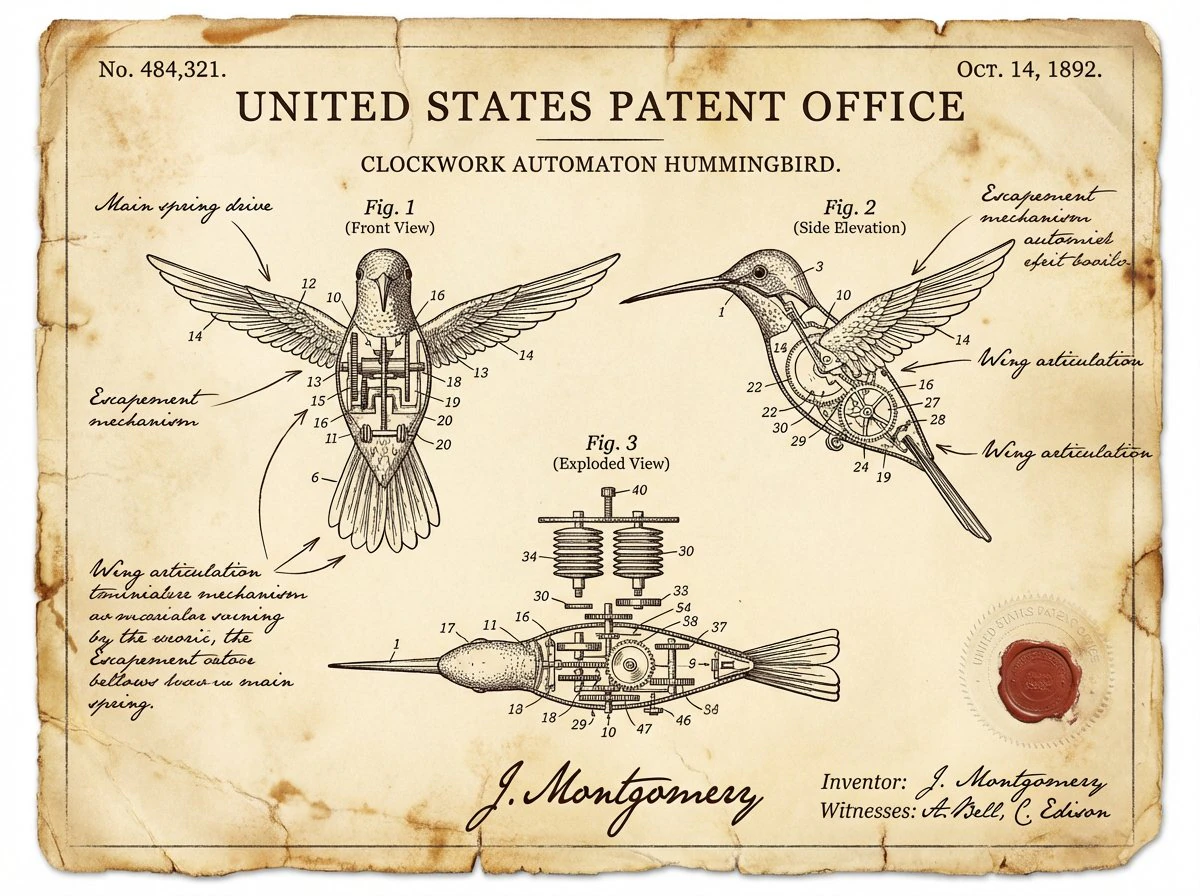
Vintage Invention Illustration Sheet
Illustrate an original invention on a vintage technical sheet with coordinated views, numbered details, aged paper texture, and crisp linework.
Text only
Map a food campaign as a cohesive storyboard sheet from product reveal through serving details to closing packshot with consistent lighting and palette.
Use this prompt to plan the visual sequence of a gourmet product commercial or present a food-campaign direction to a team. Eight frames move from the package to preparation, serving, and a final hero shot. Add a packshot when packaging consistency is important, then supply a short title and a coherent brand palette.
Create a polished storyboard presentation for a gourmet commercial featuring [PRODUCT]. Use a portrait page with the heading "[CAMPAIGN_TITLE]" and eight numbered frames arranged in two columns. Follow this sequence: establish the product, reveal its opening, show preparation, capture a tactile ingredient detail, show the product being served, reveal the finished dish, show a welcoming table context, and finish with a clear hero packshot. Keep the same packaging, materials, and [BRAND_PALETTE] throughout. If a product reference is supplied, preserve its recognizable shape and label placement. Vary shot distance while keeping warm studio lighting consistent. Use short camera-direction captions beneath the frames. Prioritize readable sequencing and realistic food texture over elaborate page decoration; do not invent promotional claims.
Copy the prompt first, then paste it into Gemini to start an image-generation chat. This link opens Gemini; it does not prefill or generate an image.
See what each instruction controls, then adjust the parts that matter to your image.
eight numbered frames arranged in two columns
Defines the frame count and page organization for reading the sequence.
show the product being served, reveal the finished dish, show a welcoming table context, and finish with a clear hero packshot
Gives the later frames a progression from use to context and then back to the product.
Keep the same packaging, materials, and [BRAND_PALETTE] throughout.
Makes the product and visual identity common elements across the changing shots.
Vary shot distance while keeping warm studio lighting consistent.
Allows different framing scales without changing the campaign's lighting treatment.
Use short camera-direction captions beneath the frames.
Adds concise production cues in a consistent location below each image.
Optionally attach one clear product packshot to guide packaging consistency. Describe the product and supply the campaign title.
Replace the bracketed fields with the details for your case.
Optionally attach one clear product packshot to guide packaging consistency. Describe the product and supply the campaign title.
Paste the complete prompt into your image tool, then review the result against your goal.
DesignIllustrate an original invention on a vintage technical sheet with coordinated views, numbered details, aged paper texture, and crisp linework.
 Design
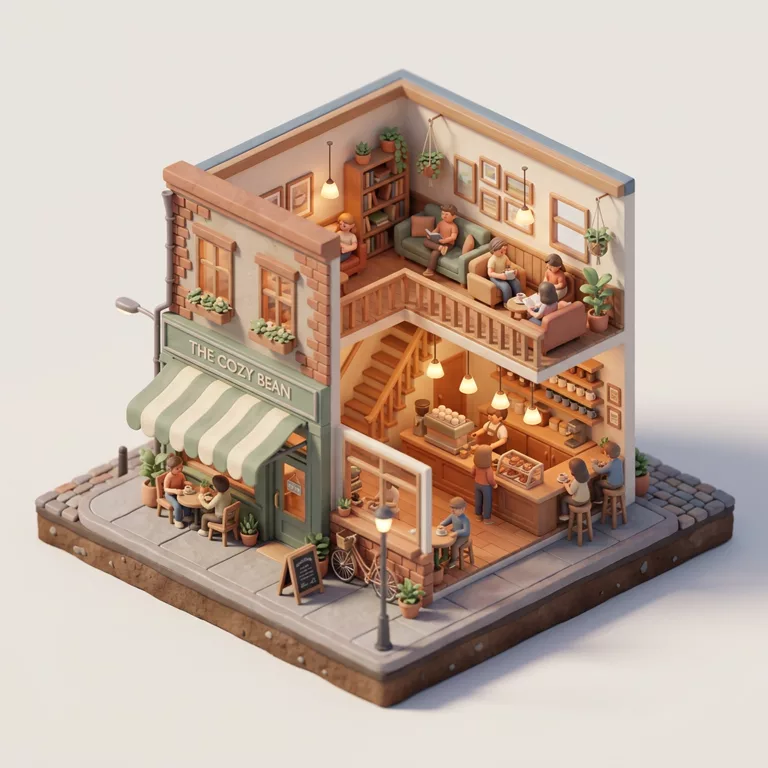
Build a miniature cutaway café with tiny customers, warm lighting, and a simple background.
 Design
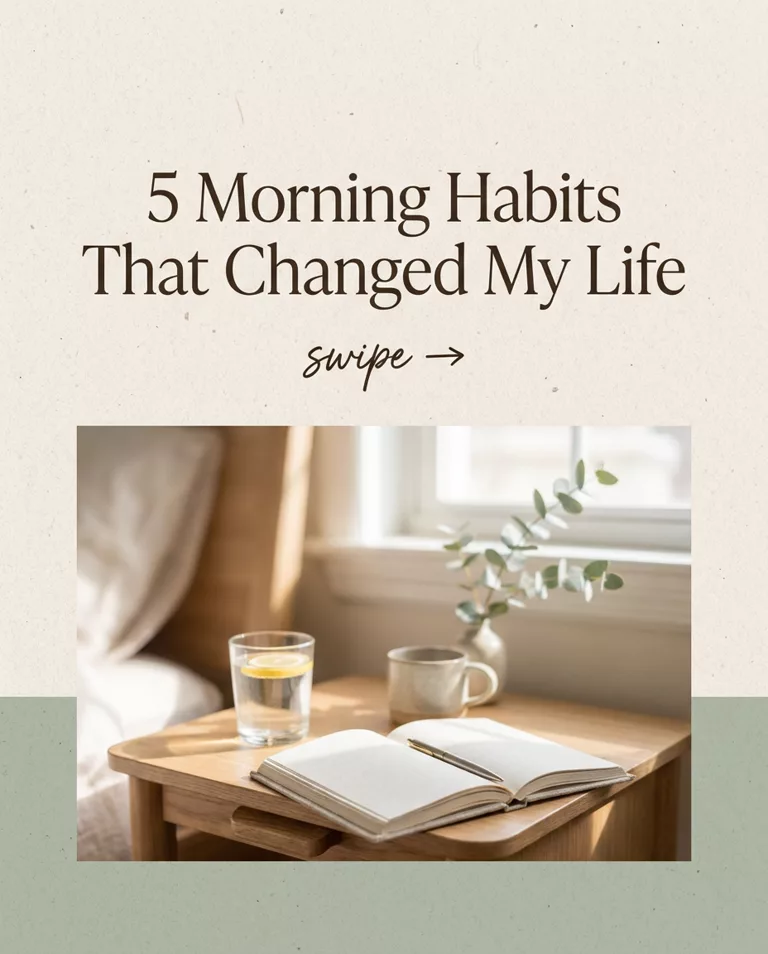
Combine a short headline, a warm lifestyle scene, and a clear text hierarchy for a carousel opening slide.