 Design
Nano Banana Pro
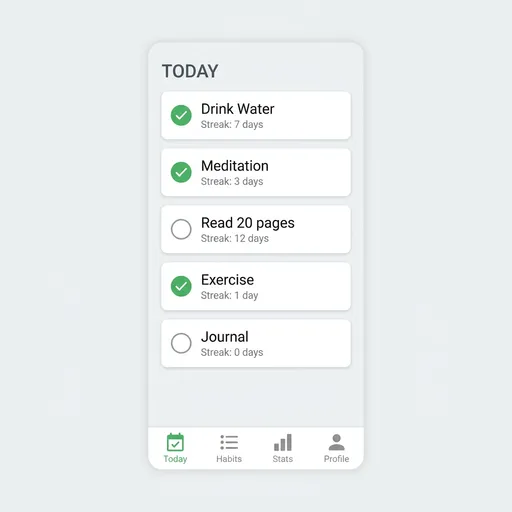
Habit Tracker App Screen Concept
Visualize a clean mobile habit tracker UI with readable habit rows, streak counts, progress indicators, and bottom navigation using your own data.
Text only
Arrange product information in six glass-style cards with a clear visual hierarchy. Keep each feature concise and use one brand color to tie the board together.
Use this prompt for a product-overview slide, a software feature board, or a compact visual briefing in a 16:9 layout. One large hero card establishes the product while five smaller cards organize supplied information. Prepare five concise feature groups and add a product image when the hero should follow an existing design.
Create a landscape 16:9 feature board for [PRODUCT_NAME] using an asymmetric arrangement of six translucent glass cards. Use [BRAND_COLOR] as the restrained accent over a softly blurred neutral background. Give the largest card a clear hero illustration or the supplied product reference, plus the product name. Use the remaining five cards to organize only this approved information: [VERIFIED_FEATURES]. Assign one short heading and at most two concise lines to each card, supported by a simple matching icon. Keep text dark, sharply readable, and visually separated from reflections. Align card edges to a coherent grid, maintain generous gutters, and use consistent rounded corners. Omit any facts, numerical claims, certifications, or benefits that were not supplied.
Copy the prompt first, then paste it into Gemini to start an image-generation chat. This link opens Gemini; it does not prefill or generate an image.
See what each instruction controls, then adjust the parts that matter to your image.
a landscape 16:9 feature board for [PRODUCT_NAME] using an asymmetric arrangement of six translucent glass cards
Sets the overall format, card count, and glass-like visual treatment.
Give the largest card a clear hero illustration or the supplied product reference, plus the product name.
Gives the product identity a larger visual role than the supporting feature cards.
the remaining five cards to organize only this approved information: [VERIFIED_FEATURES]
Makes the supplied feature list the content for the five secondary panels.
one short heading and at most two concise lines to each card
Limits each panel's text so the board remains scannable.
Keep text dark, sharply readable, and visually separated from reflections.
Places readable information ahead of decorative glass reflections.
Optionally attach a product image for the hero card. Supply approved facts as text; do not ask the model to research or invent them.
Replace the bracketed fields with the details for your case.
Optionally attach a product image for the hero card. Supply approved facts as text; do not ask the model to research or invent them.
Paste the complete prompt into your image tool, then review the result against your goal.
DesignVisualize a clean mobile habit tracker UI with readable habit rows, streak counts, progress indicators, and bottom navigation using your own data.
 Design
Turn a short word into sculptural architectural lettering housing a miniature scene, using materials, internal lighting, and fine details.
 Design
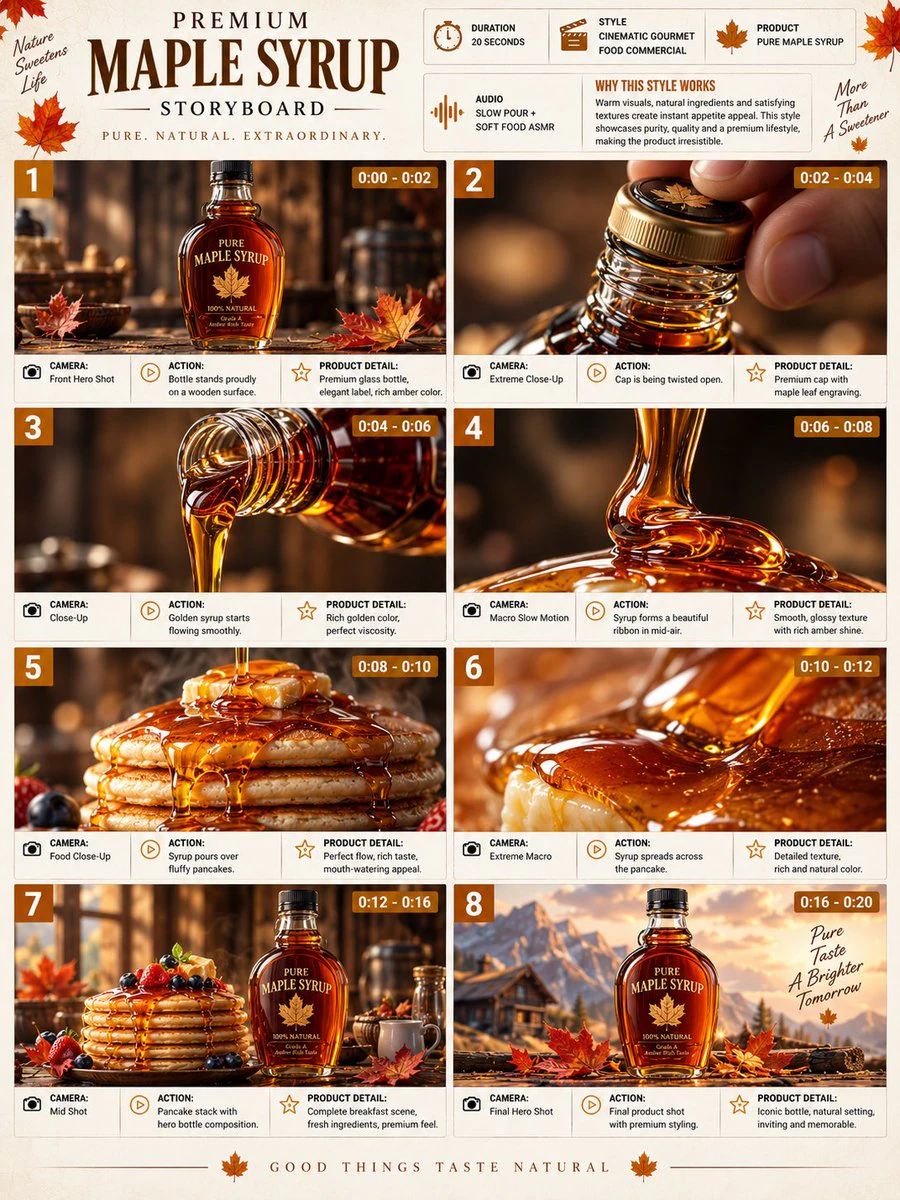
Map a food campaign as a cohesive storyboard sheet from product reveal through serving details to closing packshot with consistent lighting and palette.