 Design
Nano Banana Pro
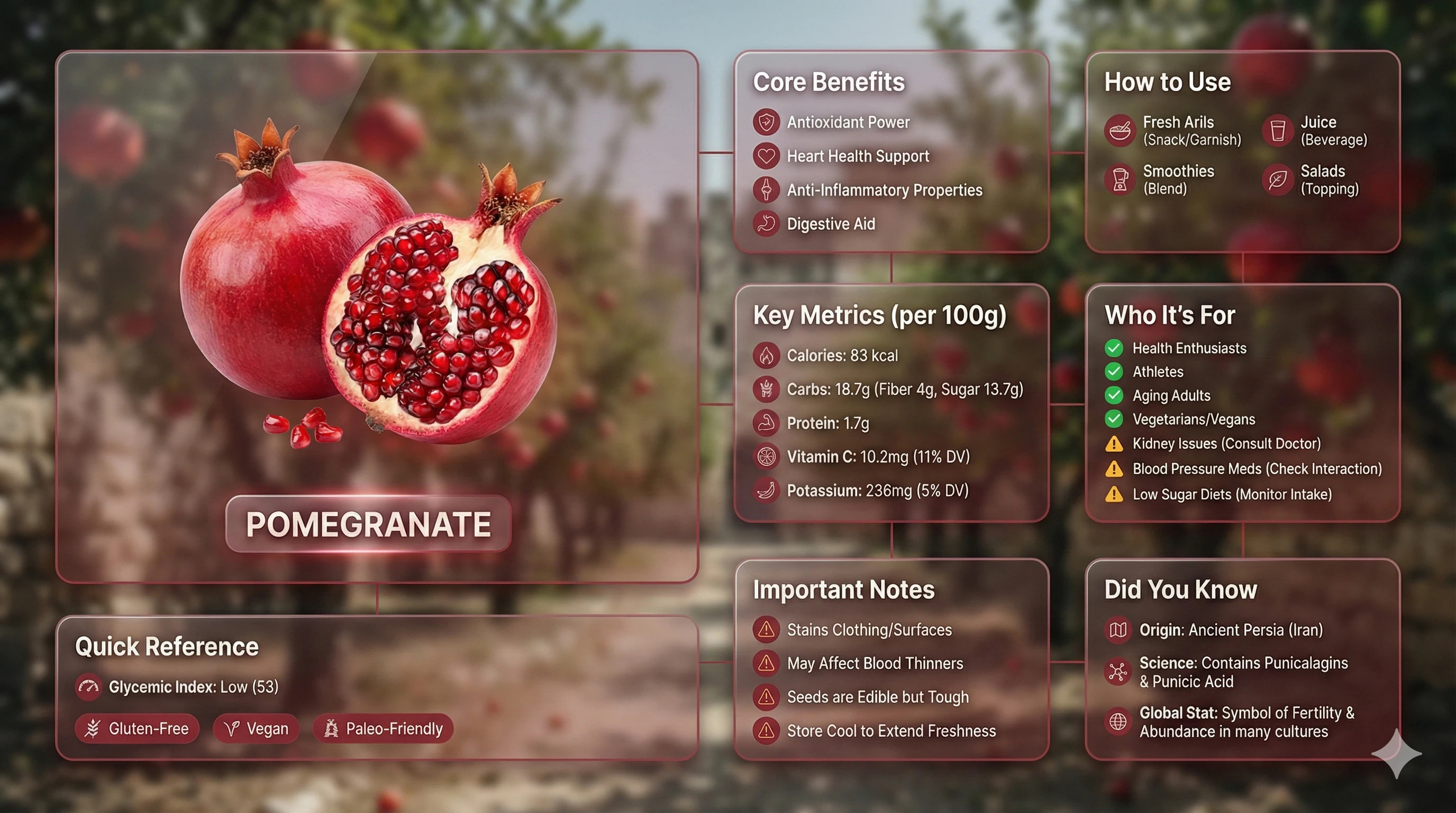
Glass Bento Product Feature Board
Arrange product information in six glass-style cards with a clear visual hierarchy. Keep each feature concise and use one brand color to tie the board together.
Text only
Design a refined café menu card with three clean lines—café name, featured item, and hours—emphasizing material texture and legible lettering.
Use this prompt for a photographed café feature card, a single-item counter display, or a compact hospitality-brand concept. It gives the shop name, featured item, and serving hours three distinct levels. Keep the supplied wording short so the whole card can remain sharp and readable within the photographed scene.
Photograph a single elegant café menu card standing on a pale wooden counter. Print exactly three lines on the card: "[CAFE_NAME]" at the top, "[FEATURED_ITEM]" in the center, and "[SERVICE_HOURS]" beneath it. Establish a clear hierarchy with a bold heading, a medium-weight item line, and smaller but readable hours. Use charcoal ink on warm ivory stock, with a subtle paper grain and a clean, carefully aligned layout. Light the card softly from one side so its material feels tangible without casting shadows across the words. Keep the background quiet and slightly out of focus, while the entire printed surface remains sharp. Include no extra menu entries, prices, logos, decorative writing, or background signs.
Copy the prompt first, then paste it into Gemini to start an image-generation chat. This link opens Gemini; it does not prefill or generate an image.
See what each instruction controls, then adjust the parts that matter to your image.
a single elegant café menu card standing on a pale wooden counter
Defines the image as a photograph of one printed card rather than a flat multi-item menu.
Print exactly three lines on the card
Limits the amount of copy and prevents extra menu content from crowding the design.
a bold heading, a medium-weight item line, and smaller but readable hours
Assigns a clear visual level to the café name, product, and schedule.
charcoal ink on warm ivory stock, with a subtle paper grain
Sets a restrained ink-and-paper treatment for the physical display.
without casting shadows across the words
Makes legible copy a condition of the photographed lighting setup.
No image required. Supply exactly three text strings: the café name, featured menu item, and service hours.
Replace the bracketed fields with the details for your case.
Paste the complete prompt into your image tool, then review the result against your goal.
DesignArrange product information in six glass-style cards with a clear visual hierarchy. Keep each feature concise and use one brand color to tie the board together.
 Design
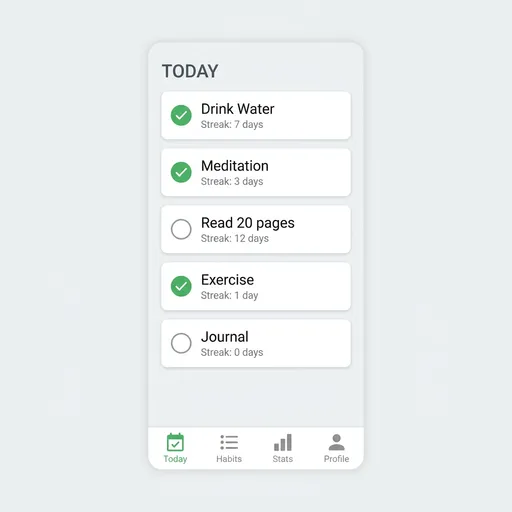
Visualize a clean mobile habit tracker UI with readable habit rows, streak counts, progress indicators, and bottom navigation using your own data.
 Design
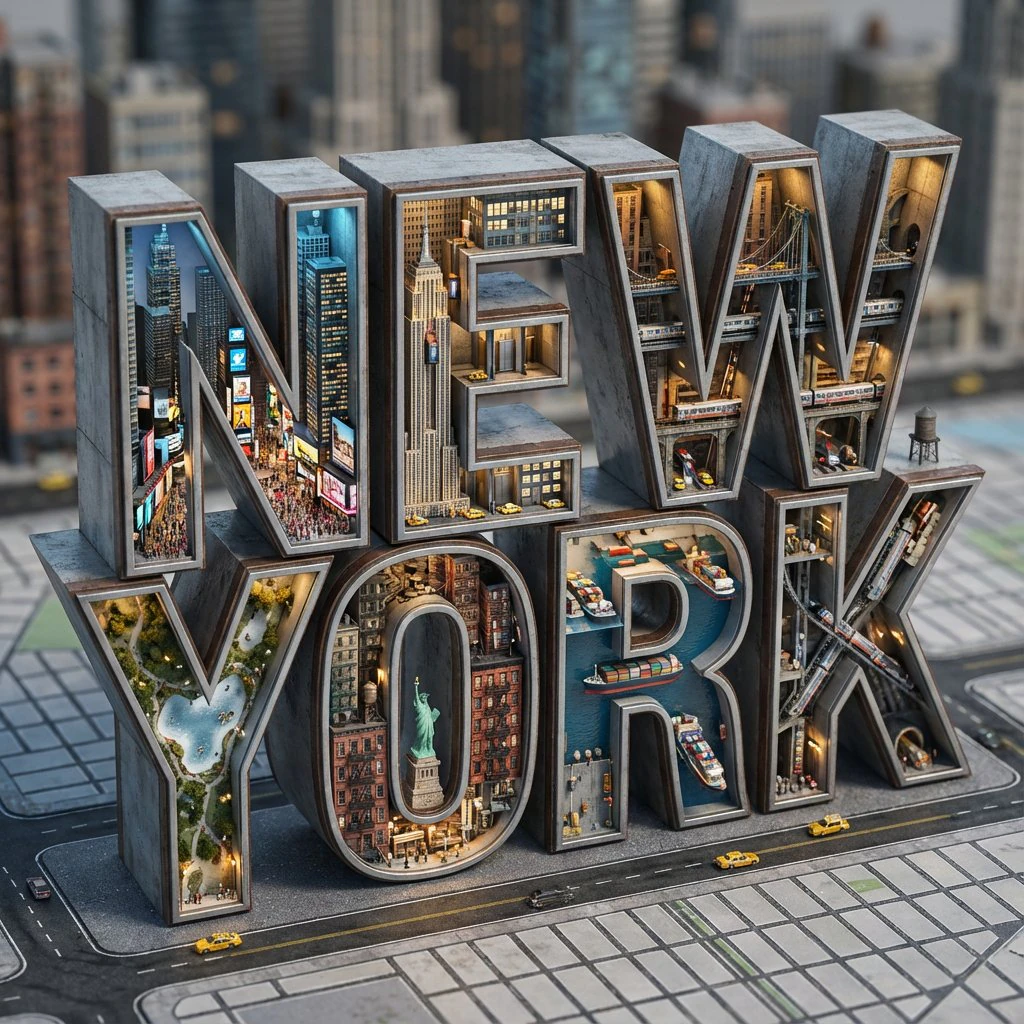
Turn a short word into sculptural architectural lettering housing a miniature scene, using materials, internal lighting, and fine details.