 Product photos
Nano Banana Pro
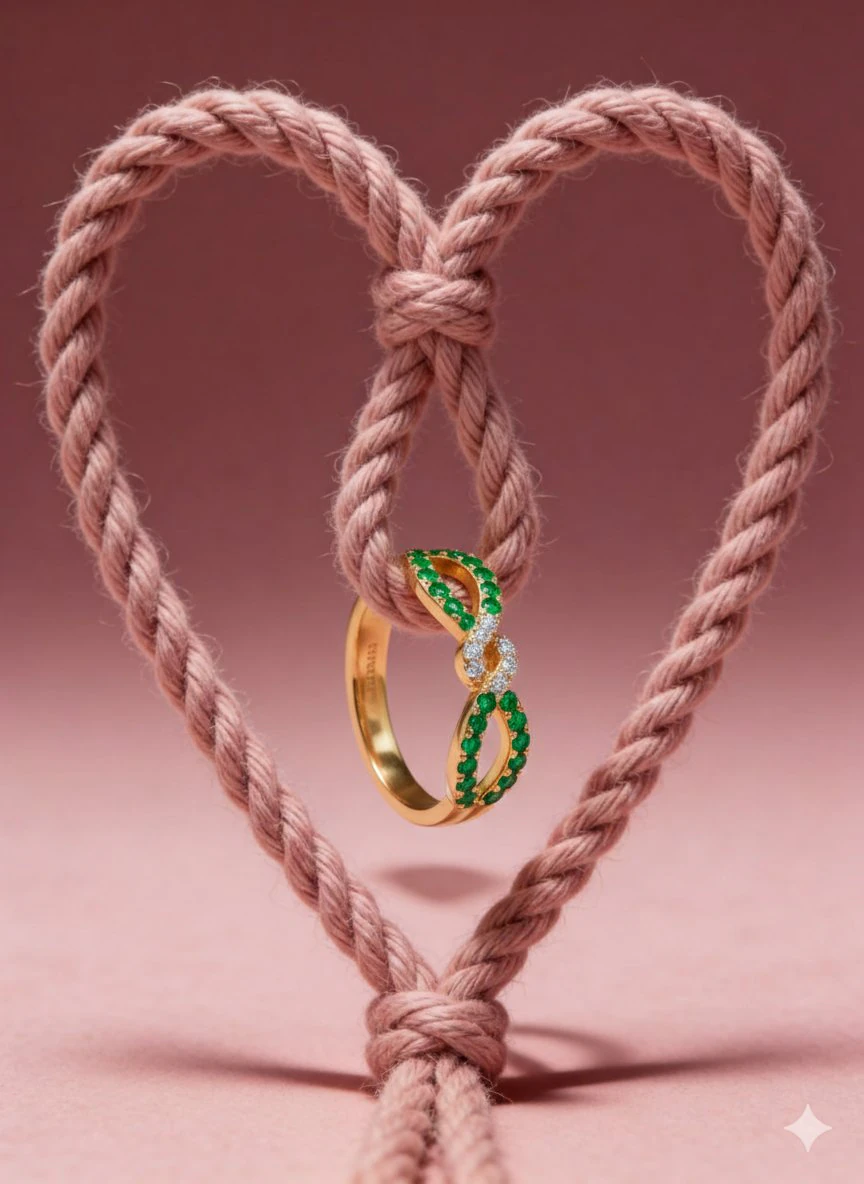
Jewelry held in a rope heart
Turn a jewelry reference into a campaign still life resting on a textured rope heart, contrasting soft natural fibers against reflective metal.
1 reference image
Relight a product reference with one dramatic spotlight, dark backdrop, and crisp contact shadow while keeping the silhouette and label recognizable.
Use this reference-based prompt for a dramatic product hero, a launch visual, or a campaign composition with room for copy. The dark studio treatment emphasizes outline and controlled highlights. Provide a clear product photograph and keep its existing angle when another side of the package is not documented.
Use the uploaded image to place [PRODUCT] in a dark studio campaign scene. Retain its outline, construction, finish, visible branding, and relative proportions. Set it on [SURFACE] with a convincing contact shadow beneath the base. Illuminate it with one broad spotlight arriving from [LIGHT_DIRECTION], allowing a gradual falloff into a charcoal background. Reveal the material through controlled highlights rather than flooding the entire object with light. Keep the main label readable and prevent bright reflections from covering important markings. Frame the product at a natural three-quarter angle only if the supplied reference supports that view; otherwise preserve the original angle. Leave some dark negative space for later layout. Add no decorative objects, extra accessories, or invented text. Aim for an intentional commercial photograph with realistic depth and restrained contrast.
Copy the prompt first, then upload the required reference image and paste the prompt into Gemini to start an image-editing chat. This link opens Gemini; it does not prefill or generate an image.
See what each instruction controls, then adjust the parts that matter to your image.
Retain its outline, construction, finish, visible branding, and relative proportions.
Lists the product properties to compare with the uploaded reference after changing the environment.
a convincing contact shadow beneath the base
Grounds the object on the selected support surface rather than leaving it visually floating.
one broad spotlight arriving from [LIGHT_DIRECTION]
Establishes one main illumination direction instead of an evenly bright studio setup.
prevent bright reflections from covering important markings
Keeps highlight placement subordinate to the visibility of labels and other product details.
a natural three-quarter angle only if the supplied reference supports that view; otherwise preserve the original angle
Makes a change of product angle conditional on the views available in the input.
Upload a clear product photograph with the entire silhouette visible. Add a front-label close-up when readable branding matters.
Replace the bracketed fields with the details for your case.
Upload a clear product photograph with the entire silhouette visible. Add a front-label close-up when readable branding matters.
Paste the complete prompt into your image tool, then review the result against your goal.
Product photosTurn a jewelry reference into a campaign still life resting on a textured rope heart, contrasting soft natural fibers against reflective metal.
 Product photos
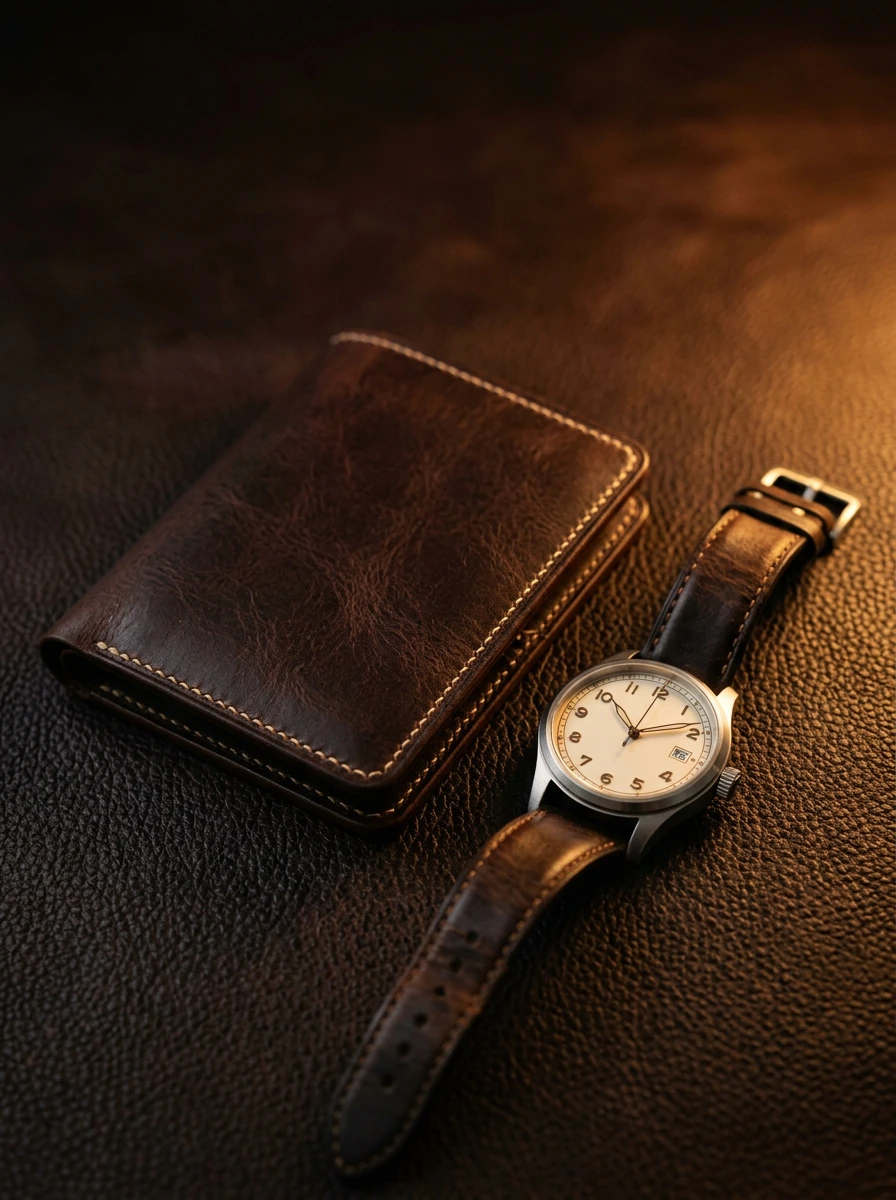
Arrange leather goods and a watch into a luxury still life with close framing and grazing light that highlight grain, stitching, and polished hardware.
 Product photos
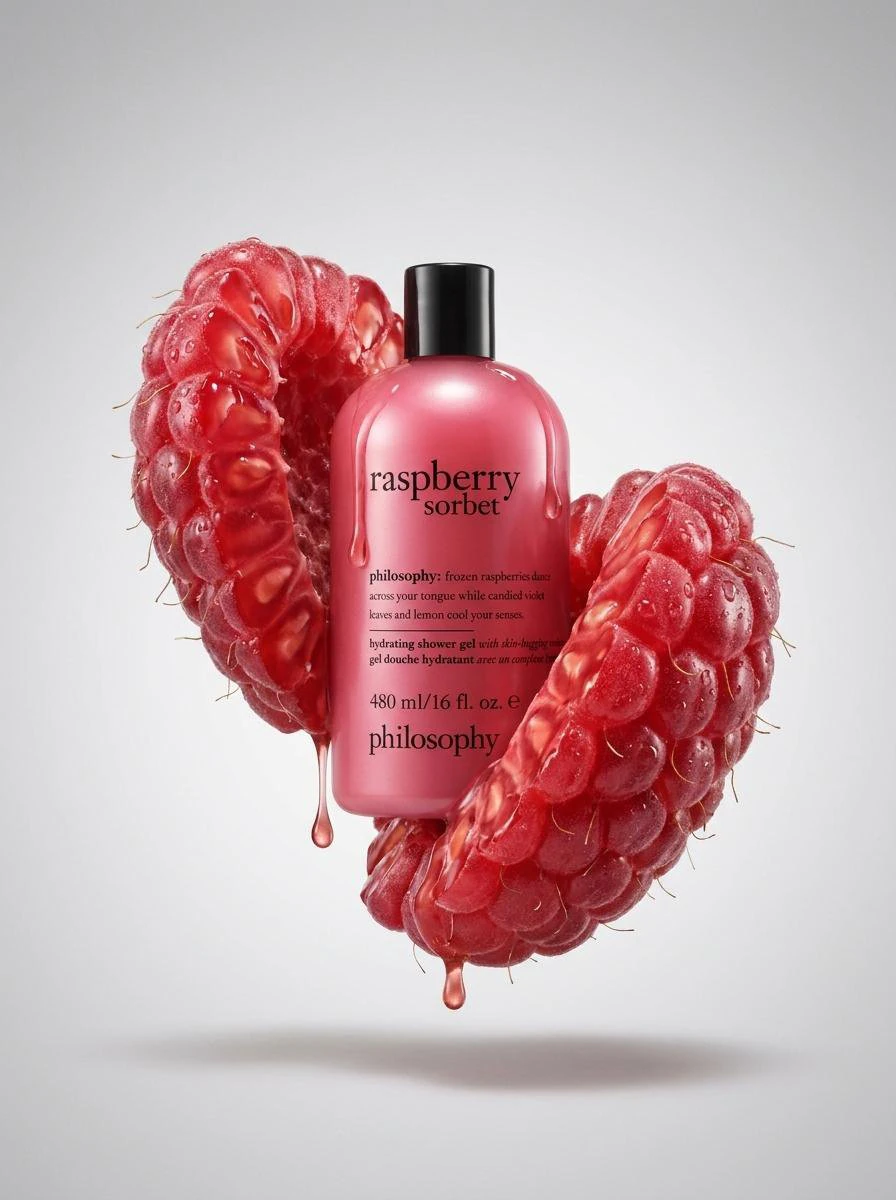
Place a product reference inside a sculptural oversized raspberry cradle with studio lighting that keeps the package shape and label visually dominant.