 Product photos
Nano Banana Pro
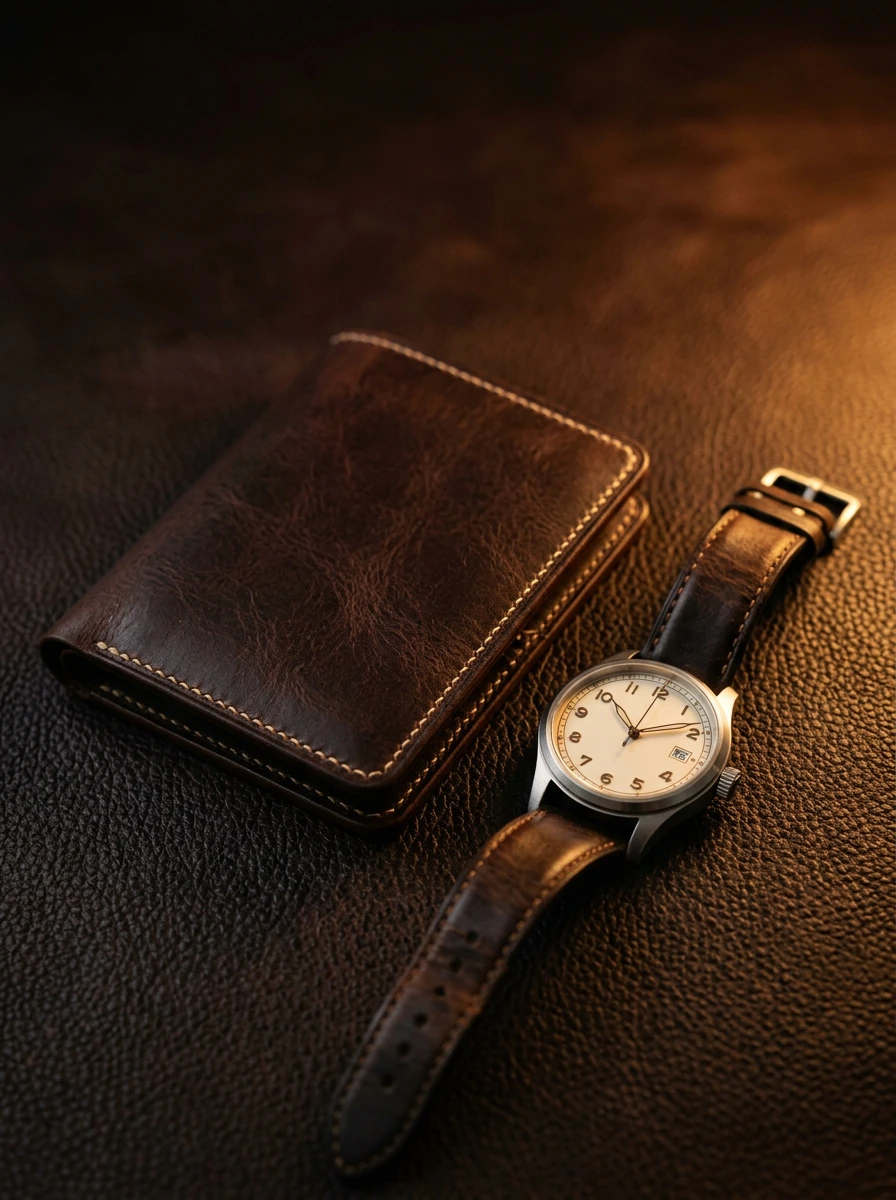
Leather and watch craftsmanship still life
Arrange leather goods and a watch into a luxury still life with close framing and grazing light that highlight grain, stitching, and polished hardware.
Text only
Turn a jewelry reference into a campaign still life resting on a textured rope heart, contrasting soft natural fibers against reflective metal.
Choose this prompt for a romantic jewelry campaign, a gift-themed visual, or a vertical product composition with a simple heart motif. The rope provides the setting while the uploaded jewelry remains the focal point. Use a clear reference that shows the setting and metal finish, with extra detail photos when needed.
Make a romantic studio advertisement featuring the exact [JEWELRY_ITEM] in the attached photograph. Form a simple heart loop from cotton rope in [ROPE_COLOR], and position the jewelry where the lower curves meet so it appears gently supported. Keep the full jewelry silhouette visible rather than burying it inside the knot. Match the supplied stone arrangement, metal finish, setting, and proportions without adding decorative gems. Use a matte [BACKDROP_COLOR] background and broad soft lighting, with small controlled highlights that describe the metal. Show individual rope fibers while keeping the jewelry as the sharpest element. Include believable contact between rope and object and a faint shadow behind the arrangement. Compose a vertical campaign frame with comfortable margins. Leave all promotional typography for a later layout stage.
Copy the prompt first, then upload the required reference image and paste the prompt into Gemini to start an image-editing chat. This link opens Gemini; it does not prefill or generate an image.
See what each instruction controls, then adjust the parts that matter to your image.
a simple heart loop from cotton rope in [ROPE_COLOR]
Creates the main graphic shape from a material rather than from added typography or ornaments.
Keep the full jewelry silhouette visible rather than burying it inside the knot.
Makes product readability more important than a dense or complicated rope arrangement.
Match the supplied stone arrangement, metal finish, setting, and proportions
Defines the jewelry features that should follow the uploaded product photograph.
individual rope fibers while keeping the jewelry as the sharpest element
Gives the rope tactile detail without making it compete with the product's focus.
a vertical campaign frame with comfortable margins
Leaves space around the heart and product for later campaign layout.
Upload a sharp photograph of the jewelry showing its complete setting and metal color. Add a close-up for stone count, engraving, or clasp details.
Replace the bracketed fields with the details for your case.
Upload a sharp photograph of the jewelry showing its complete setting and metal color. Add a close-up for stone count, engraving, or clasp details.
Paste the complete prompt into your image tool, then review the result against your goal.
Product photosArrange leather goods and a watch into a luxury still life with close framing and grazing light that highlight grain, stitching, and polished hardware.
 Product photos
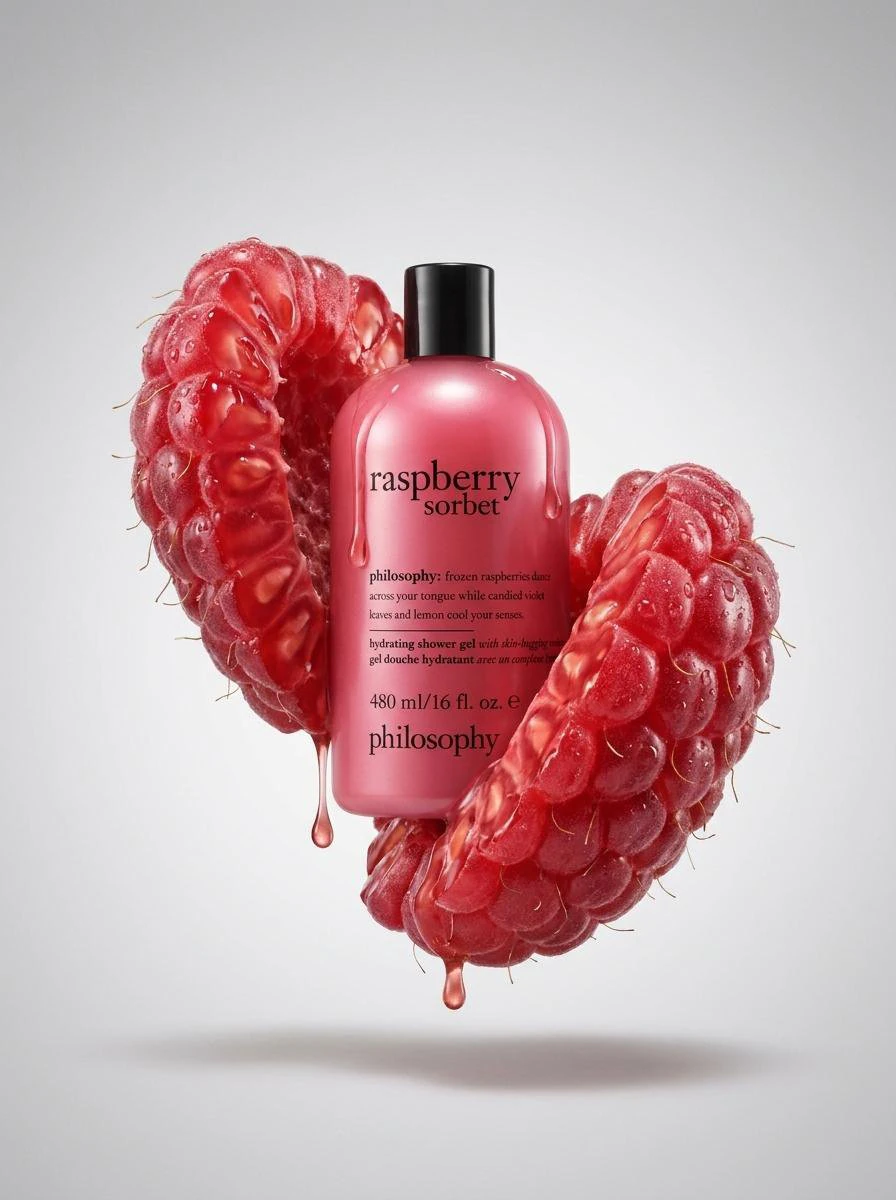
Place a product reference inside a sculptural oversized raspberry cradle with studio lighting that keeps the package shape and label visually dominant.
 Product photos
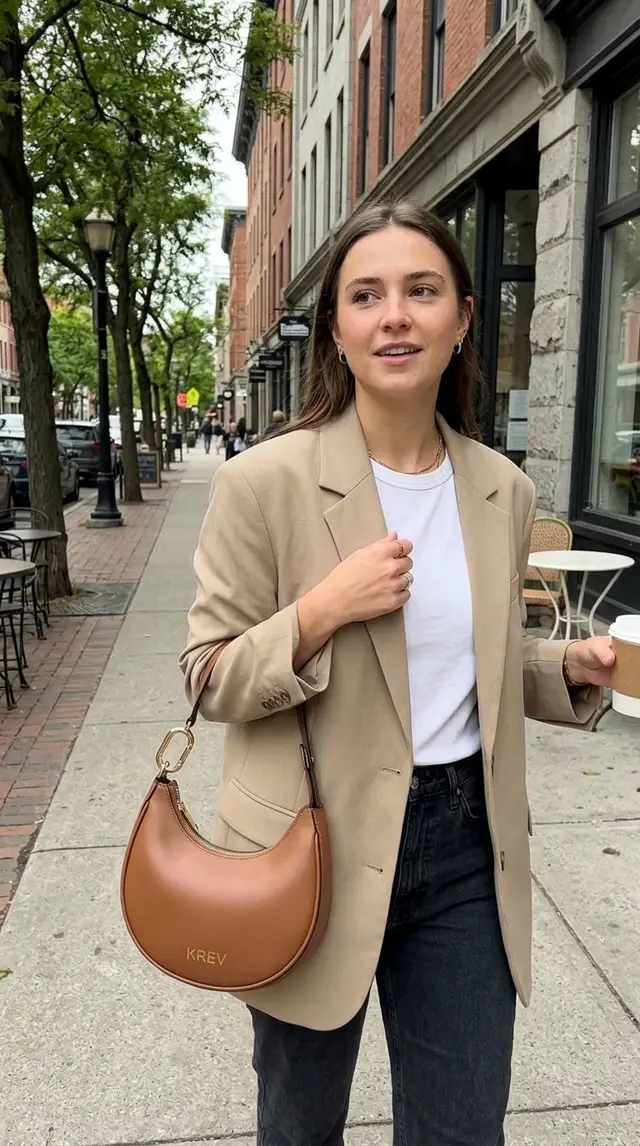
Turn a single bag photo into a candid lifestyle shot with a fictional wearer, natural window light, and a close crop requiring no face reference.