 Portraits
Nano Banana 2
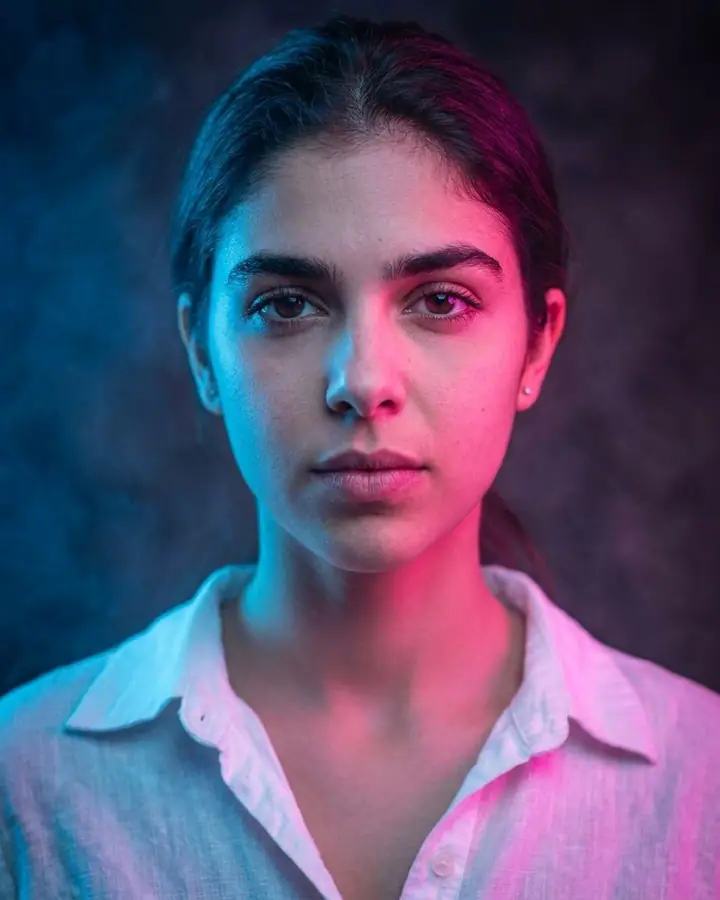
Two-Color Studio Portrait with Light Haze
Light a portrait with two contrasting colors and a light layer of haze. Keep the eyes clear and the colored atmosphere behind the face.
1 reference image
Turn an adult reference portrait into a monochrome studio photo with controlled shadows, restrained highlights, and readable facial structure.
Use this reference-based prompt for an author portrait, an artist profile, or a restrained monochrome campaign image. Side lighting and a dark backdrop emphasize facial structure. Start with a clear adult portrait and choose moderate contrast when keeping detail in both eyes is more important than deep shadows.
Use the uploaded adult portrait as the identity reference for a monochrome studio photograph. Retain the recognizable spacing of the eyes, shape of the nose, jaw, hairstyle, and apparent age. Frame the person from the chest upward, wearing [WARDROBE], with the shoulders turned slightly away from the camera and the gaze returning toward the lens. Place a large light on [LIGHT_SIDE] so one cheek is brighter while the opposite cheek remains readable. Use a dark, uncluttered backdrop and [CONTRAST_LEVEL] tonal contrast. Separate hair and clothing from the background with subtle edge detail. Keep skin texture, soft highlight transitions, and realistic facial volume. Output a vertical 4:5 image entirely in grayscale, with no lettering or artificial sharpening halos.
Copy the prompt first, then upload the required reference image and paste the prompt into Gemini to start an image-editing chat. This link opens Gemini; it does not prefill or generate an image.
See what each instruction controls, then adjust the parts that matter to your image.
Retain the recognizable spacing of the eyes, shape of the nose, jaw, hairstyle, and apparent age.
Lists the facial features to compare with the uploaded portrait after the lighting and tonal changes.
the shoulders turned slightly away from the camera and the gaze returning toward the lens
Creates a turned upper-body pose while keeping eye contact with the viewer.
Place a large light on [LIGHT_SIDE] so one cheek is brighter while the opposite cheek remains readable.
Connects the editable light direction with an explicit requirement for shadow-side facial detail.
Separate hair and clothing from the background with subtle edge detail.
Keeps dark hair and garments from disappearing into the dark backdrop.
a vertical 4:5 image entirely in grayscale
Defines both the portrait format and the absence of color in the finished image.
Upload one sharp adult portrait with an unobstructed face and even exposure; a slight three-quarter angle is helpful.
Replace the bracketed fields with the details for your case.
Upload one sharp adult portrait with an unobstructed face and even exposure; a slight three-quarter angle is helpful.
Paste the complete prompt into your image tool, then review the result against your goal.
PortraitsLight a portrait with two contrasting colors and a light layer of haze. Keep the eyes clear and the colored atmosphere behind the face.
 Portraits
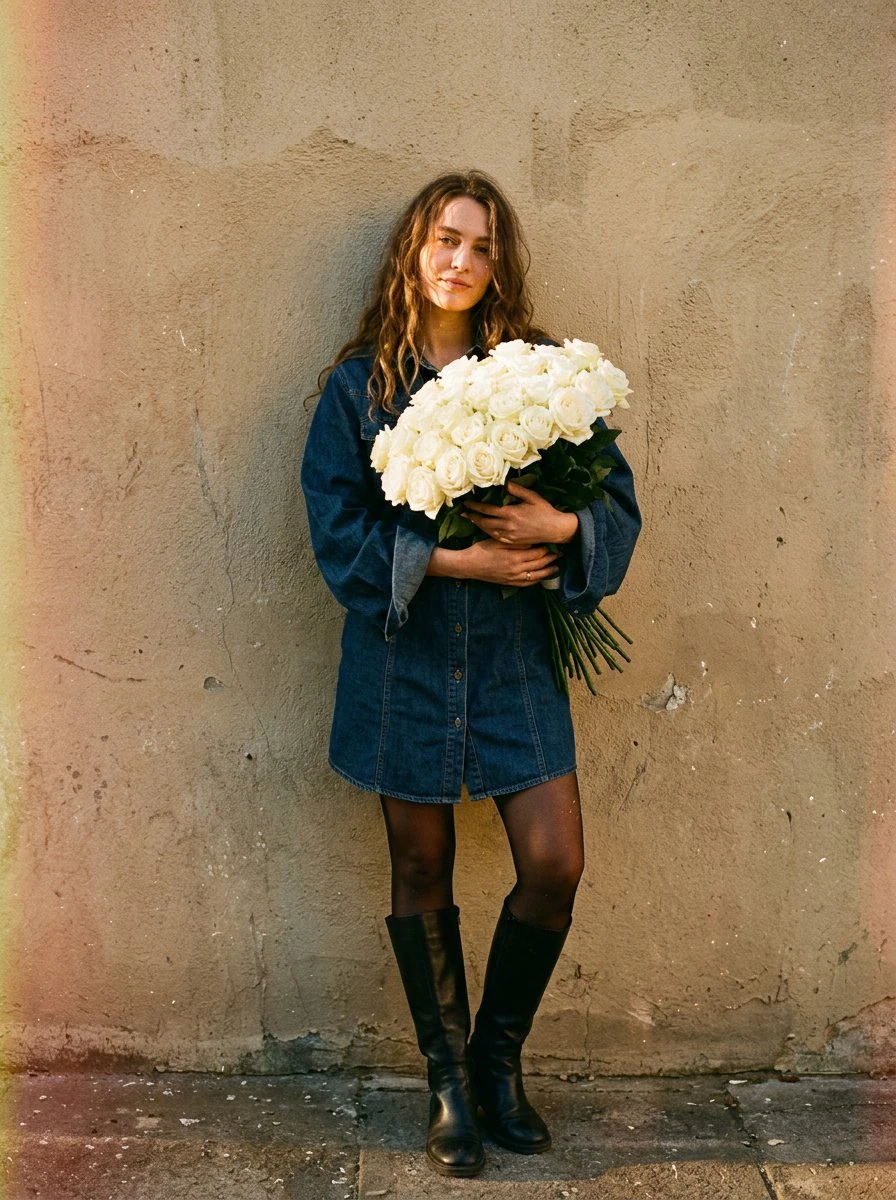
Create a relaxed film-style portrait with late sunlight, a floral prop, and a simple textured wall. Adjust the pose, clothing, and grain to suit the mood.
 Portraits
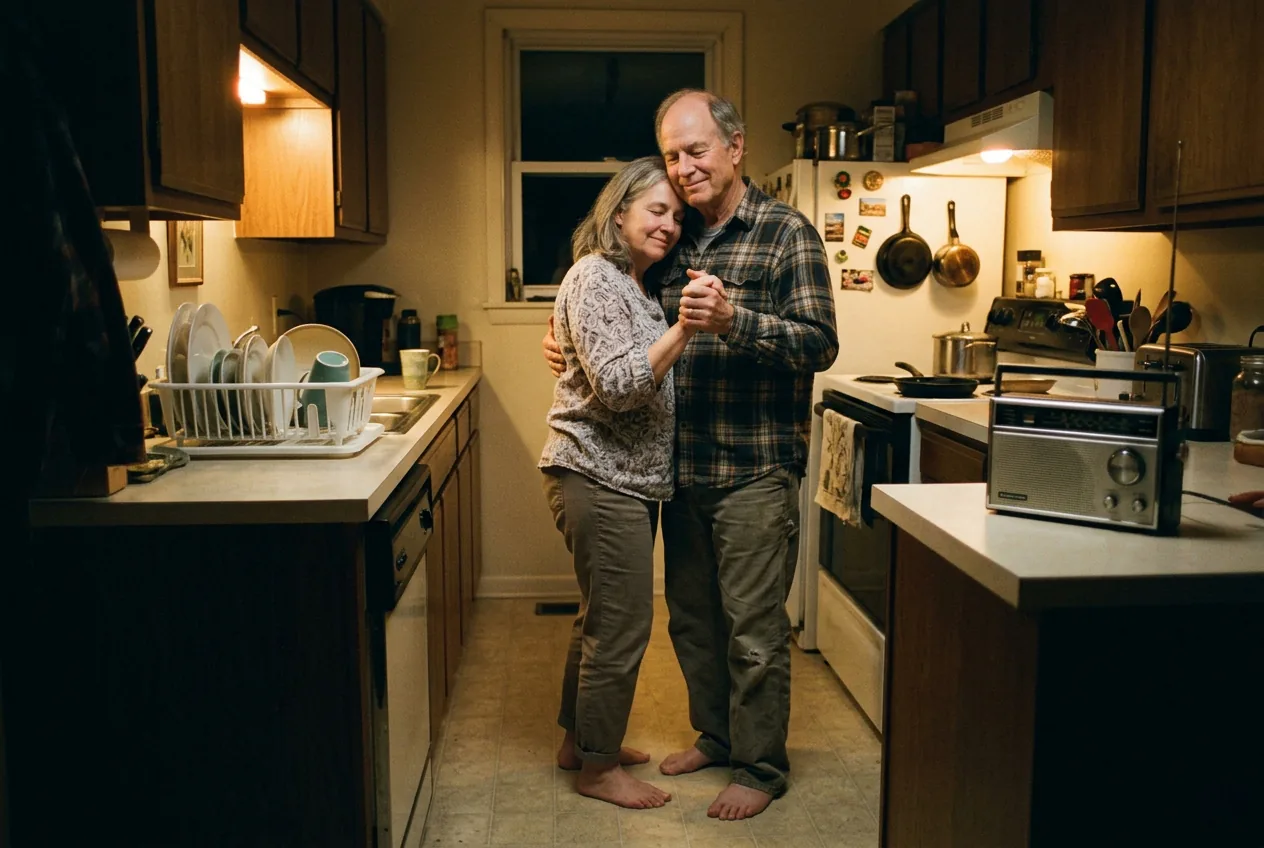
Stage an intimate documentary portrait of two older adults sharing an everyday moment at home, with clear placement, lived-in details, and practical light.