 Portraits
Nano Banana Pro
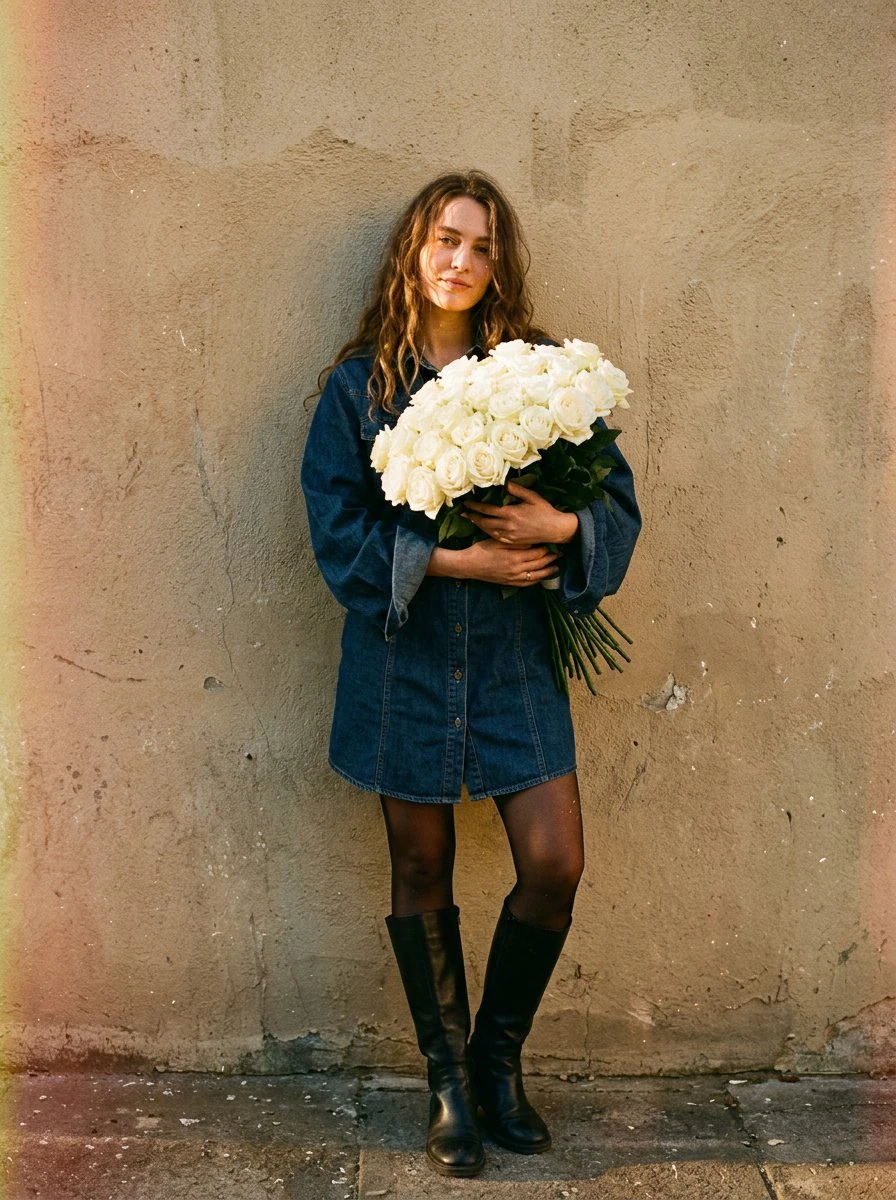
Warm Film Portrait with a Floral Prop
Create a relaxed film-style portrait with late sunlight, a floral prop, and a simple textured wall. Adjust the pose, clothing, and grain to suit the mood.
Text only
Light a portrait with two contrasting colors and a light layer of haze. Keep the eyes clear and the colored atmosphere behind the face.
Choose this prompt for a music profile, a creative-team portrait, or a dramatic studio concept based on one adult reference photo. The two colored lights create atmosphere while haze stays behind the face. Use it when a stylized color treatment matters more than neutral skin-color presentation.
Reinterpret the uploaded adult portrait as a carefully lit studio close-up. Preserve the subject's facial structure, apparent age, hairline, and expression. Keep the head and upper shoulders in frame with the eyes in crisp focus. Illuminate the camera-left side with [LEFT_LIGHT_COLOR] and the camera-right side with [RIGHT_LIGHT_COLOR], allowing a narrow, natural transition where the two colors meet. Place faint theatrical haze behind the shoulders so it catches the light without covering the eyes or mouth. Use a nearly black background and simple clothing with a matte surface. Set the overall mood to [MOOD], expressed through lighting rather than altered facial anatomy. Maintain realistic skin texture and controlled highlights. Produce a vertical 4:5 portrait without text, glowing eyes, or additional people.
Copy the prompt first, then upload the required reference image and paste the prompt into Gemini to start an image-editing chat. This link opens Gemini; it does not prefill or generate an image.
See what each instruction controls, then adjust the parts that matter to your image.
Preserve the subject's facial structure, apparent age, hairline, and expression.
Keeps the requested changes focused on lighting and atmosphere rather than redesigning the person.
the camera-left side with [LEFT_LIGHT_COLOR] and the camera-right side with [RIGHT_LIGHT_COLOR]
Assigns each light color to a specific side instead of leaving the color split ambiguous.
faint theatrical haze behind the shoulders so it catches the light without covering the eyes or mouth
Places the haze where it can reveal the lighting while leaving key facial features clear.
expressed through lighting rather than altered facial anatomy
Directs the mood change toward color and illumination rather than changes to the face.
realistic skin texture and controlled highlights
Requests readable skin detail and restrained bright areas within the stylized lighting.
Upload one clear adult portrait with visible eyes; avoid a reference already dominated by strong colored light.
Replace the bracketed fields with the details for your case.
Upload one clear adult portrait with visible eyes; avoid a reference already dominated by strong colored light.
Paste the complete prompt into your image tool, then review the result against your goal.
PortraitsCreate a relaxed film-style portrait with late sunlight, a floral prop, and a simple textured wall. Adjust the pose, clothing, and grain to suit the mood.
 Portraits
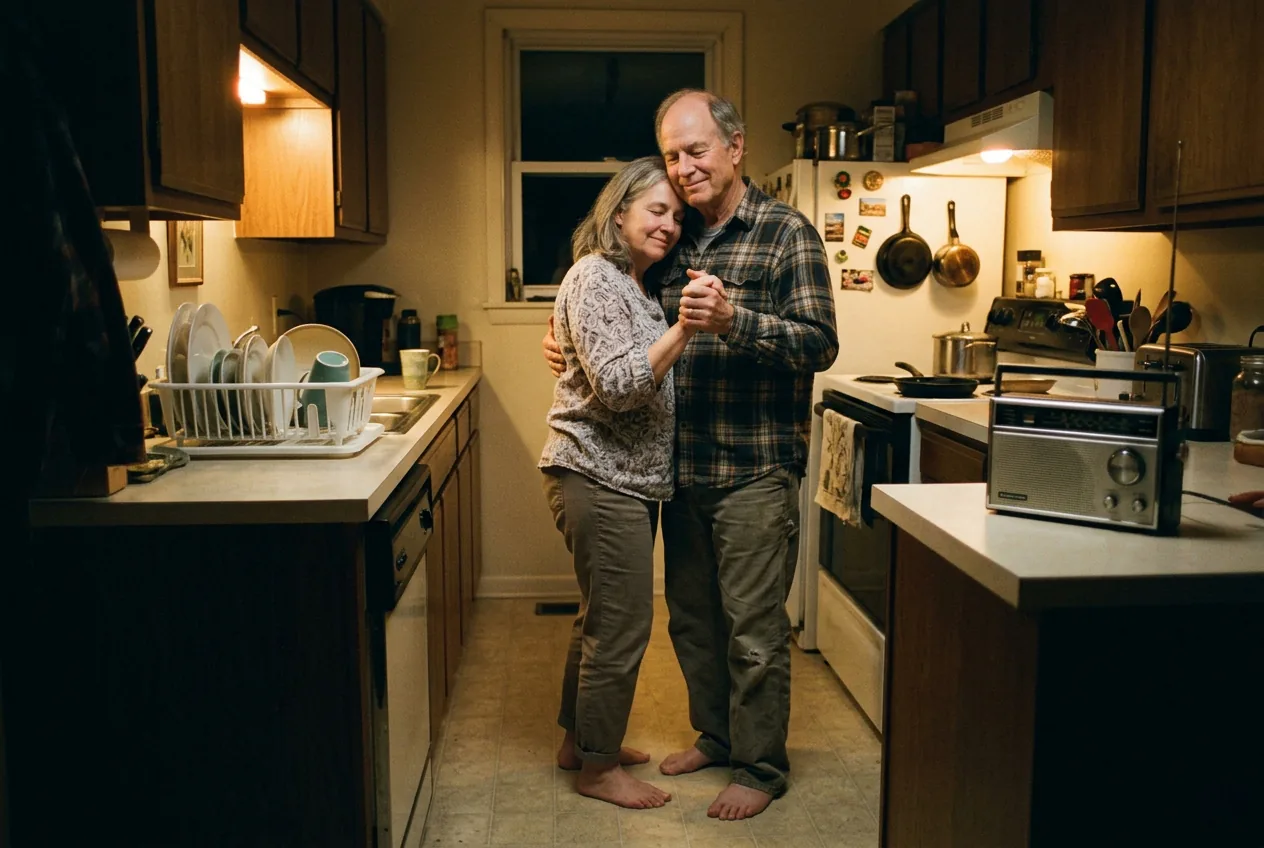
Stage an intimate documentary portrait of two older adults sharing an everyday moment at home, with clear placement, lived-in details, and practical light.
 Portraits
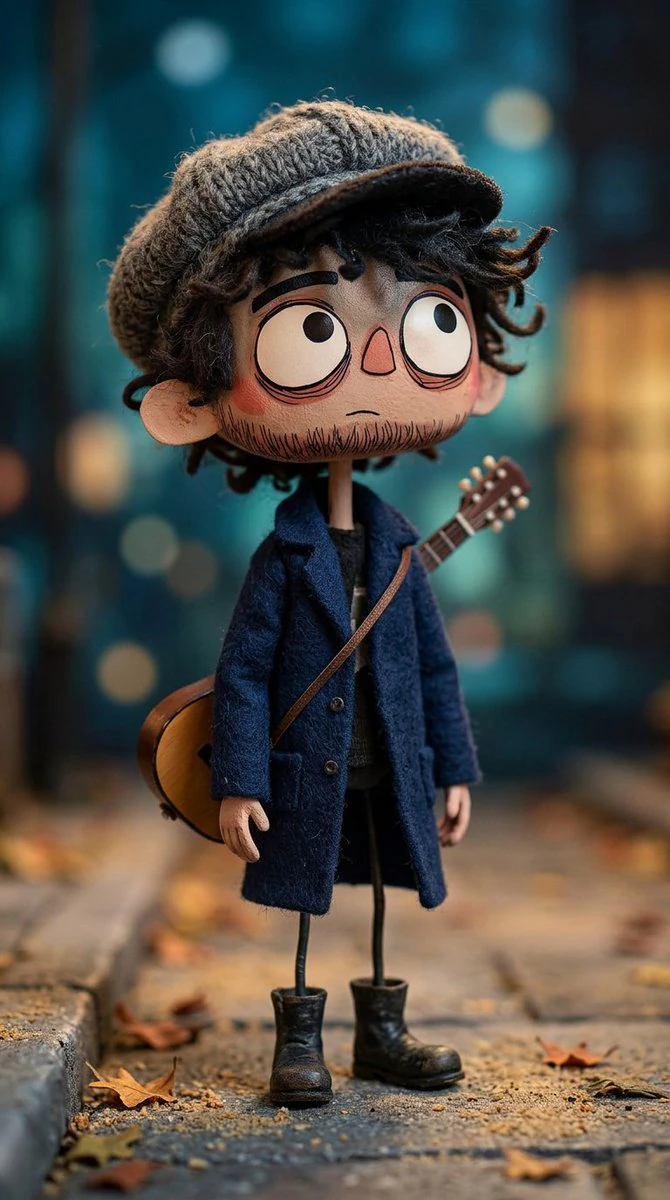
Create a tactile stop-motion puppet character portrait on a miniature set with visible craft materials, restrained features, and shallow depth of field.