 Portraits
Nano Banana Pro
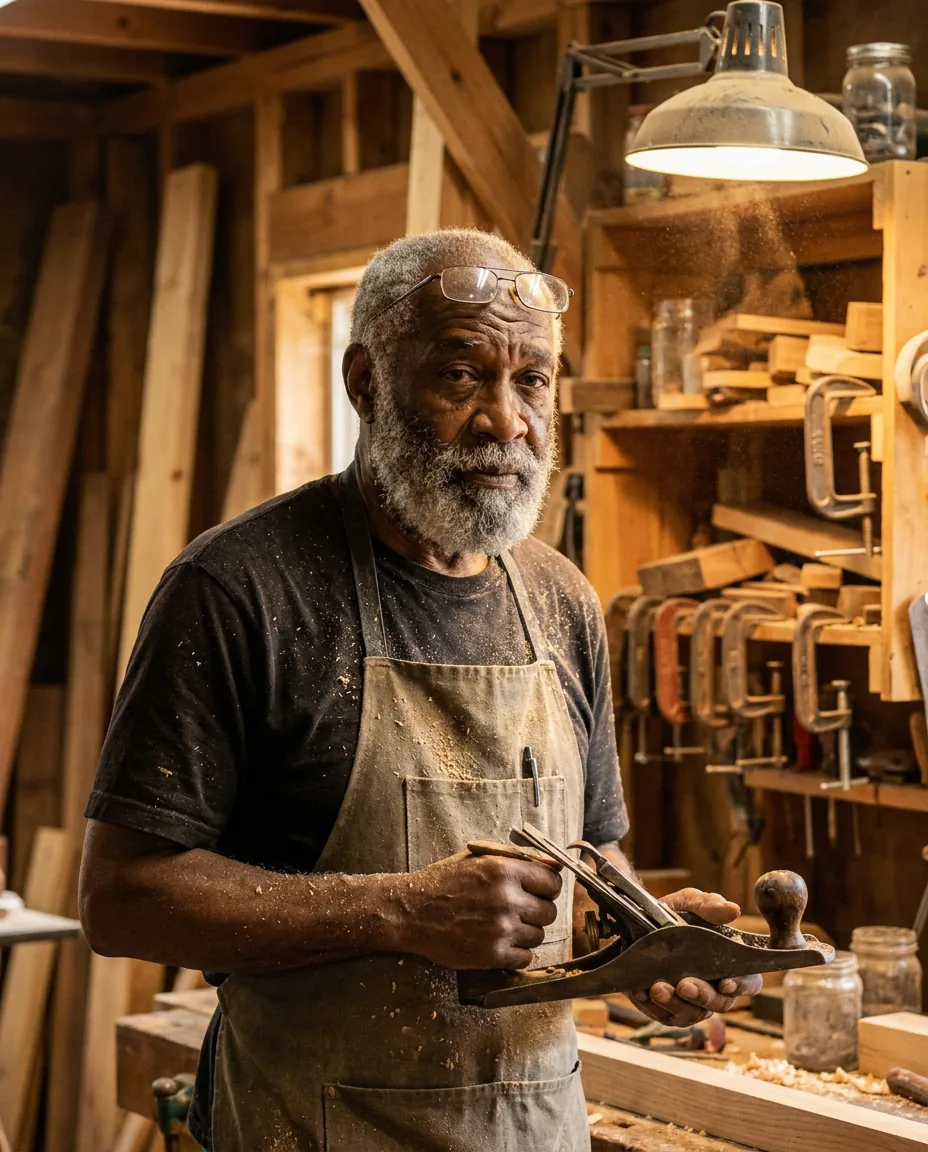
Artisan Portrait in a Working Studio
Create an environmental portrait pairing a craftsperson with their studio. Practical lighting and selective background detail highlight character and craft.
Text only
Create a natural profile portrait with soft studio lighting, a neutral backdrop, and realistic skin detail—from text or a reference photo.
Use this prompt for work profiles, speaker bios, or a consistent team-portrait direction. The upper-chest crop and neutral backdrop keep attention on expression and clothing. Add one clear adult portrait when facial identity matters, or describe a fictional person when developing a visual concept.
Make a professional profile portrait of [SUBJECT_DESCRIPTION], framed from the upper chest with comfortable space above the head. If an adult reference photo is supplied, use its facial proportions, hairstyle, and age as the identity guide; otherwise invent a person who does not resemble a public figure. Dress the subject in [WARDROBE] and place them against a seamless [BACKGROUND_TONE] studio surface. Arrange a broad diffused light slightly above eye level and a weaker fill on the opposite side. Keep both eyes readable, shoulders relaxed, and the expression quietly approachable. Retain small complexion details and believable fabric texture. Use a vertical 4:5 composition, natural perspective, and restrained color. Leave out lettering, visible branding, decorative props, and excessive skin smoothing.
Copy the prompt first, then paste it into Gemini to start an image-generation chat. This link opens Gemini; it does not prefill or generate an image.
See what each instruction controls, then adjust the parts that matter to your image.
framed from the upper chest with comfortable space above the head
Defines a profile-friendly crop with headroom rather than a full-body or tightly cropped face.
use its facial proportions, hairstyle, and age as the identity guide
Identifies the facial characteristics the optional uploaded portrait should guide.
Dress the subject in [WARDROBE] and place them against a seamless [BACKGROUND_TONE] studio surface.
Separates the editable clothing and background from the person's identifying features.
a broad diffused light slightly above eye level and a weaker fill on the opposite side
Requests a dominant soft light and a gentler fill so both sides of the face remain readable.
Retain small complexion details and believable fabric texture.
Keeps natural surface detail in the brief instead of treating polished portraiture as heavy smoothing.
Optionally upload one clear adult portrait to guide identity; without an image, describe a fictional adult.
Replace the bracketed fields with the details for your case.
Optionally upload one clear adult portrait to guide identity; without an image, describe a fictional adult.
Paste the complete prompt into your image tool, then review the result against your goal.
PortraitsCreate an environmental portrait pairing a craftsperson with their studio. Practical lighting and selective background detail highlight character and craft.
 Portraits
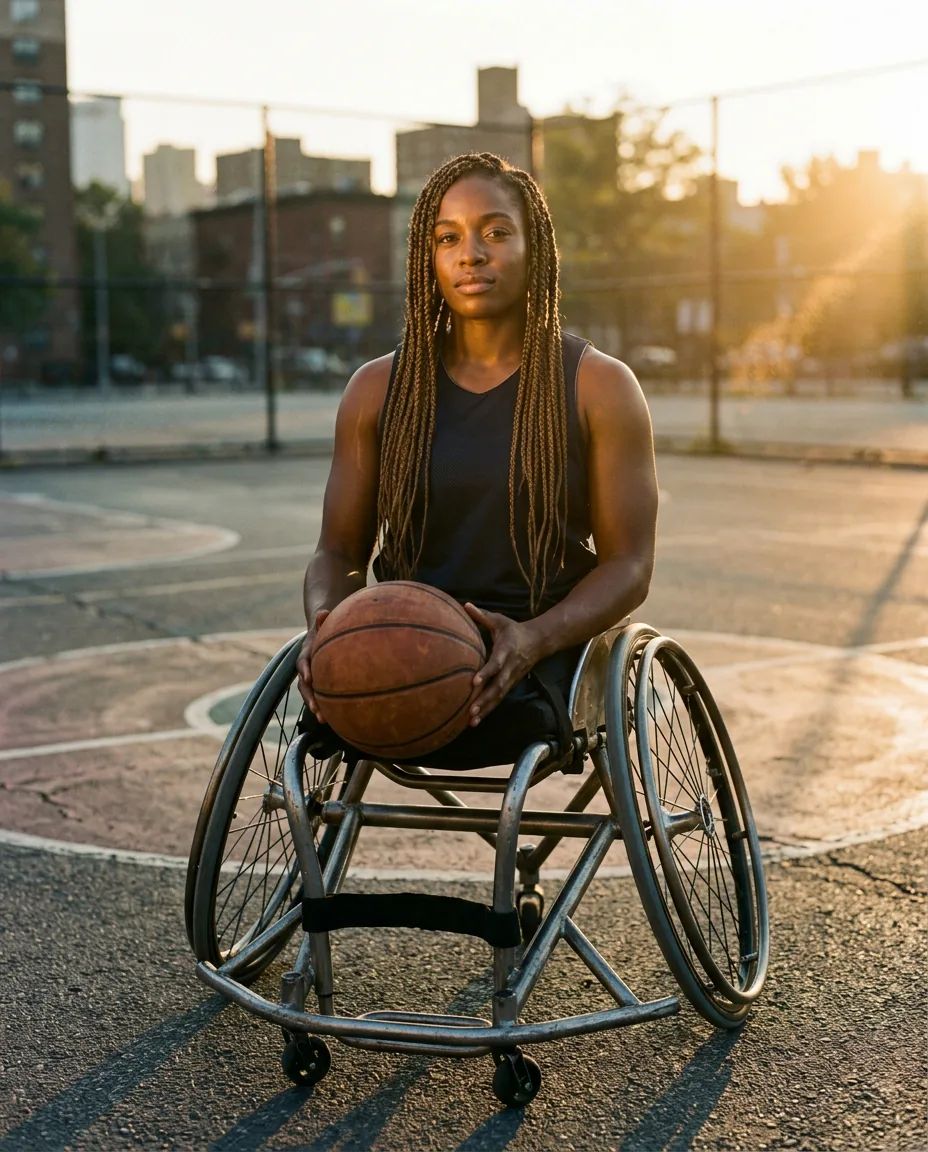
Create an editorial athlete portrait with full sporting context and equipment, using a seated pose, clear hand placement, and directional evening light.
 Portraits
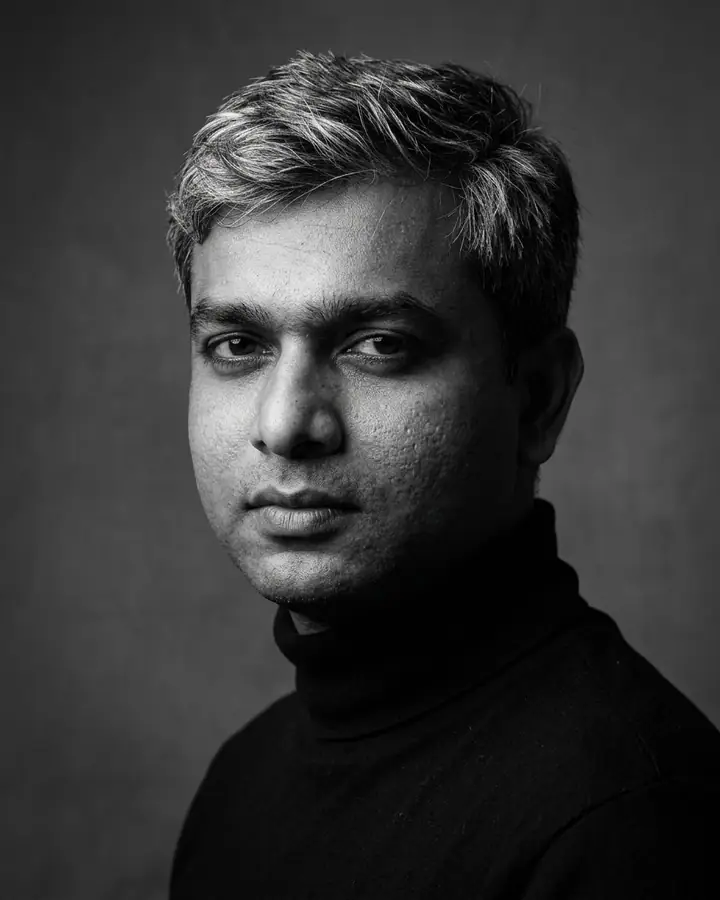
Turn an adult reference portrait into a monochrome studio photo with controlled shadows, restrained highlights, and readable facial structure.